How to Search YouTube by @Handle and Check If One Is Free
By WhatsMyName Apps team · · 5 min read
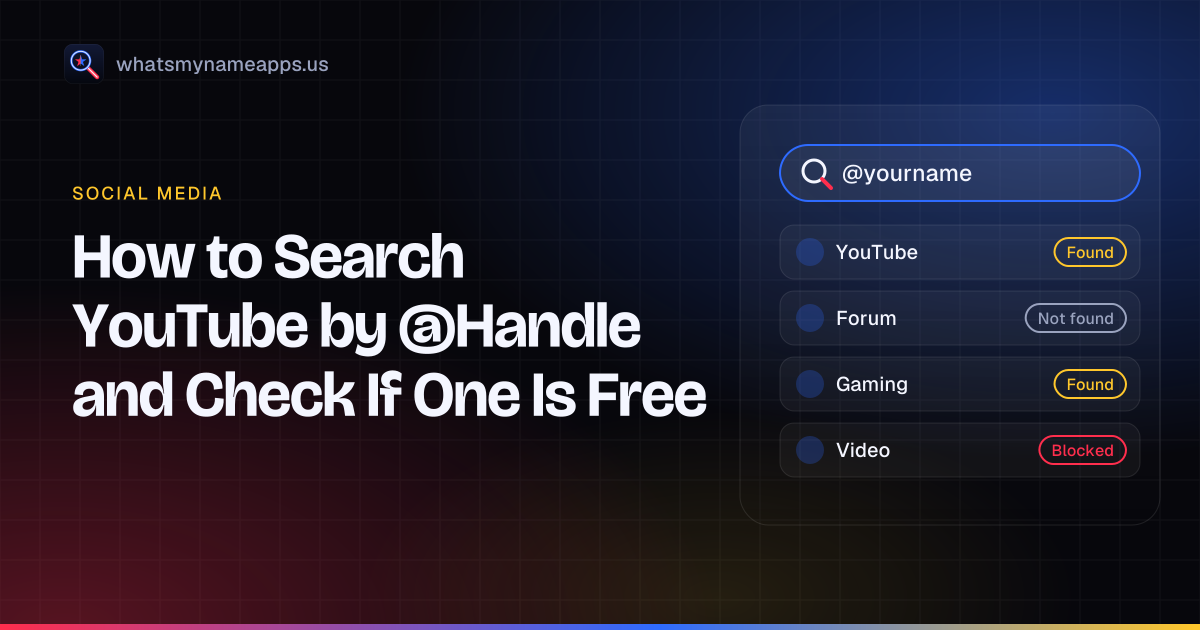
Every YouTube channel has an @handle. It shows up next to comments, in Shorts, in Live Chat and in the channel address, youtube.com/@handle. The handle is different from the channel name. Two channels can both be called "Mia Cooks", but only one of them can be @miacooks.
That uniqueness makes the handle the most reliable way to find a specific channel, and the first thing to settle if you are starting one. This guide covers both sides: finding a channel when you know its handle, and checking whether a handle you want is still free.
How to find a YouTube channel by @handle
If you know the exact handle, the quickest route skips search altogether. Type the address straight into your browser:
https://www.youtube.com/@handle
If a channel uses that handle, its page loads. If nobody does, YouTube shows an error page instead. Handles are not case-sensitive, so @MiaCooks and @miacooks lead to the same channel.
You can also search inside YouTube. YouTube's help center says viewers can find a channel by typing the @ symbol followed by the handle into the search bar. Popular names can still bring up lookalike channels, so check the handle printed under the channel name before you trust the result.
A few habits make the search more reliable:
- Copy the handle from a link or video description rather than retyping it from memory. Periods, hyphens and underscores are all allowed in handles, and they are easy to get wrong.
- If you only know the channel name, search the name and then compare handles. Many channels share a display name.
- Old links in the form
youtube.com/c/nameoryoutube.com/user/namestill exist around the web. They predate handles and do not always match the current @handle.
Handle, channel name and channel URL
It helps to know which part of a channel you are looking at.
| Part | Example | Unique? |
|---|---|---|
| Channel name | Mia Cooks | No, many channels can share it |
| Handle | @miacooks | Yes, one channel per handle |
| Handle URL | youtube.com/@miacooks | Yes, it follows the handle |
YouTube also assigns handles automatically in some cases, for example when a channel is created in a way that skips the handle step, or when the chosen channel name cannot be turned into a valid handle. That is why some channels have handles that look like a name plus a string of numbers. The owner can change it later.
How to check if a YouTube handle is free
Start with the manual test above: open youtube.com/@yourname. An error page usually means no channel uses the handle today. It does not guarantee you can take it, for two reasons:
- When a creator changes their handle, YouTube holds the old one for 14 days in case they switch back. During that window the old handle may look unused on the web but still be unavailable to you.
- Some handles break YouTube's naming rules, such as ones that look like a URL or a phone number, and will be rejected no matter what.
The final answer comes from YouTube Studio. Go to Customization, then Profile, and type the handle into the Handle field. Studio tells you right away whether it is available.
If you want to check more than one candidate quickly, our YouTube handle checker looks up whether youtube.com/@name has a channel, and lists YouTube's published length and character rules next to the result. YouTube sometimes shows a consent or bot-check page to automated requests, which comes back as "Blocked". When that happens, open the URL yourself.
Checking the same handle on other sites
Most creators want the same name on YouTube, TikTok, Instagram and wherever else they post. The WhatsMyName Apps username search checks one name across 3,165 sites in a single pass. It is free, you do not need an account, and you can enter up to five usernames per search to compare variations. The name you type goes to our server only to run the check and is not stored or logged.
Each site comes back as Found, Not found, Blocked or Unknown. Treat these as leads. A "Not found" means our check saw no public profile, not that the platform will let you register the name, because each platform's own signup or edit form makes the final call. If you also want a website to match, the name checker adds domain availability for .com, .net, .org, .io, .us, .app and .dev.
For a wider look at choosing one, see how to choose a unique username.
How to change your YouTube handle
Per YouTube Help, you change your handle in YouTube Studio:
- Sign in to YouTube Studio.
- From the left menu, select Customization, then Profile.
- Under Handle, type the new handle and wait for the availability check.
- Click Publish.
A few things to know before you publish. YouTube lets you change your handle twice within a 14-day period. For those 14 days, both the old and the new handle URLs keep working, so links you shared do not break straight away. After that, the old handle is released and anyone can claim it. If you printed the old handle on merchandise or in video descriptions, update those before the window closes.
If the handle you want is taken, YouTube suggests adding periods, numbers or underscores. Hyphens are allowed too, as are words like tv, plays or studio. Those suffixes also tell viewers what kind of channel they have found.
When someone else has your name
A taken handle is usually just someone who got there first, and there is nothing to report. It is different when a channel copies your name, photo or brand to pretend to be you. YouTube has reporting routes for impersonation and trademark complaints, and its help center says it can reclaim or remove handles in those cases. Use those forms rather than contacting the channel owner directly. Our guide to protecting your brand name on social media covers how to prepare.
Other platforms
Handles work a little differently on every network. If you are lining up names on several, see our guides to TikTok username search and finding an Instagram account by username, or browse every per-platform checker on the checker hub.
WhatsMyName Apps is not affiliated with YouTube or Google. YouTube is a trademark of its owner.
Check a username now. Free, no sign-up, 3,165 sites. Try the username search
Related in Social media
- Social media
How to Find an Instagram Account by Username (and Check If It's Free)
Find an Instagram account from its username with the profile URL or in-app search, see what a private profile shows, and check if a handle is free.
· 6 min read
- Social media
Reddit Username Lookup: Find a User or Recover Your Old Account
How to look up a Reddit user by username, search Reddit for people, and get back into your own old account with Reddit's username recovery by email.
· 5 min read
- Social media
GitHub Username Search: Find Users and Check Availability
How to find a GitHub user by username or with search qualifiers, check whether a name is free, and what really happens to links when you rename.
· 5 min read
More from the blog
- Sherlock vs Maigret vs WhatsMyName: Which Username OSINT Tool to Use
- We Checked 60 Usernames Across 3,166 Sites: Here's What We Found
- 10 Free OSINT Tools for Username Investigations
- How to Check Your Digital Footprint (Step-by-Step, Free)
- How to Remove Yourself from People-Search Sites
- Sites Like TruePeopleSearch in 2026: What They Show and How to Opt Out