Social media
How to Find an Instagram Account by Username (and Check If It's Free)
Find an Instagram account from its username with the profile URL or in-app search, see what a private profile shows, and check if a handle is free.
· 6 min read
New: grid & table views · Profile details · Pause & resume · 10 languages · Free, no sign-up
Every social network handles usernames a little differently. Instagram lets you open any profile at instagram.com/name, TikTok puts an @ in the address, Discord dropped its four-digit tags for unique names, and some apps barely let you search by username at all. These guides cover one platform each, so you can find what you need without wading through rules for apps you never use.
Most posts answer two questions. The first is how to find an account when all you have is a username: the profile address to try, where the in-app search helps, and what you can and cannot see on private profiles. The second is about your own handle: whether a name is free, how often you can change it, and what happens to the old one after you switch.
The guides stick to public, platform-provided methods. They will not show you how to unmask anonymous accounts or dig up phone numbers, and every post carries a short note on using this responsibly. A matching username on two sites is a lead, not proof that one person owns both.
If you want the rules and a live check for a single network, each guide links to its platform checker page. To check one handle on every site at once, run a free username search; it needs no sign-up and the name you type is not stored.
Newest in Social media
Find an Instagram account from its username with the profile URL or in-app search, see what a private profile shows, and check if a handle is free.
· 6 min read
How to look up a Reddit user by username, search Reddit for people, and get back into your own old account with Reddit's username recovery by email.
· 5 min read
Find a YouTube channel from its @handle, check whether a handle is still free, and change your own handle in YouTube Studio without losing your old link.
· 5 min read
How to find a GitHub user by username or with search qualifiers, check whether a name is free, and what really happens to links when you rename.
· 5 min read
Find a TikTok account by its @username through the profile link or in-app search, and learn the current rules for changing your own username.
· 5 min read
Find someone on Discord by username with Add Friend, mutual servers and shared links, plus how unique usernames and display names work.
· 5 min read
Find a Facebook profile or Page from its username or facebook.com/name link, understand profile.php links, and set or change your own Facebook username.
· 5 min read
Find a player on Steam or Roblox by name: which of their names you can actually search, how custom URLs and display names work, and what renames show.
· 5 min read
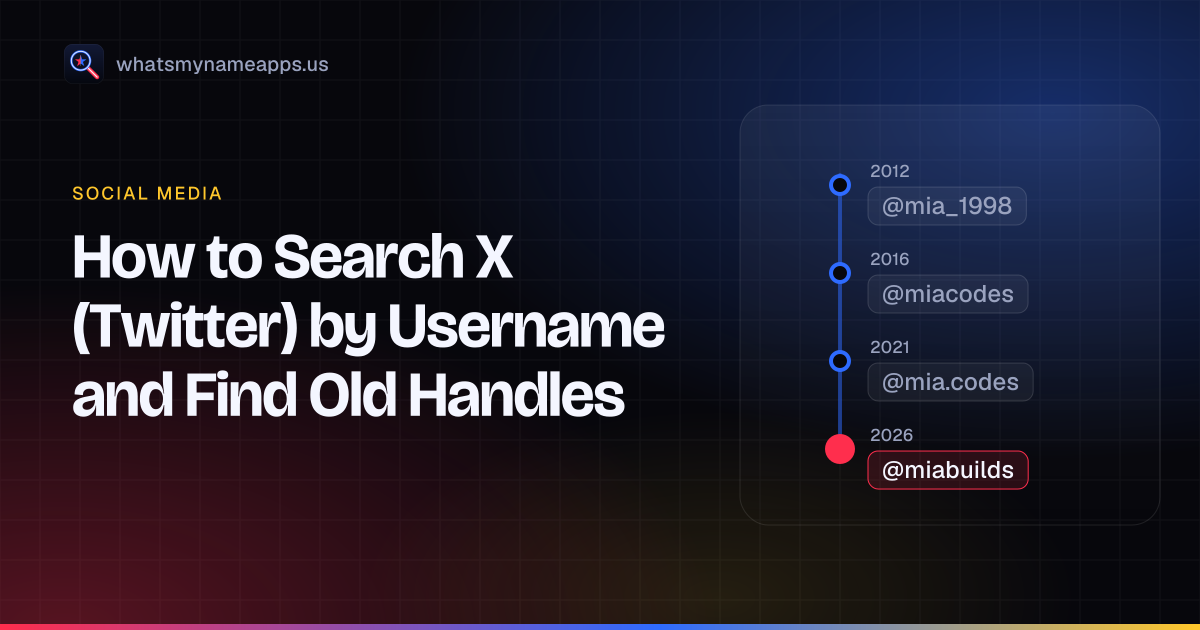
Find an X (Twitter) account by @username, search its posts with the from: operator, and see how to track down your own old handles.
· 5 min read
How to find a Twitch channel by username, why old channel links break after a rename, and what Twitch does and does not show about past usernames.
· 5 min read
Find a Pinterest profile from its username or pinterest.com link, check whether a name is free, and change your own Pinterest username on web or app.
· 5 min read
Find a Snapchat account by username with an add link or the Add Friends search, see what public profiles show, and learn how username changes work.
· 5 min read