Reserve Your Username Before You Launch: A Phone Checklist
By WhatsMyName Apps team · · 5 min read
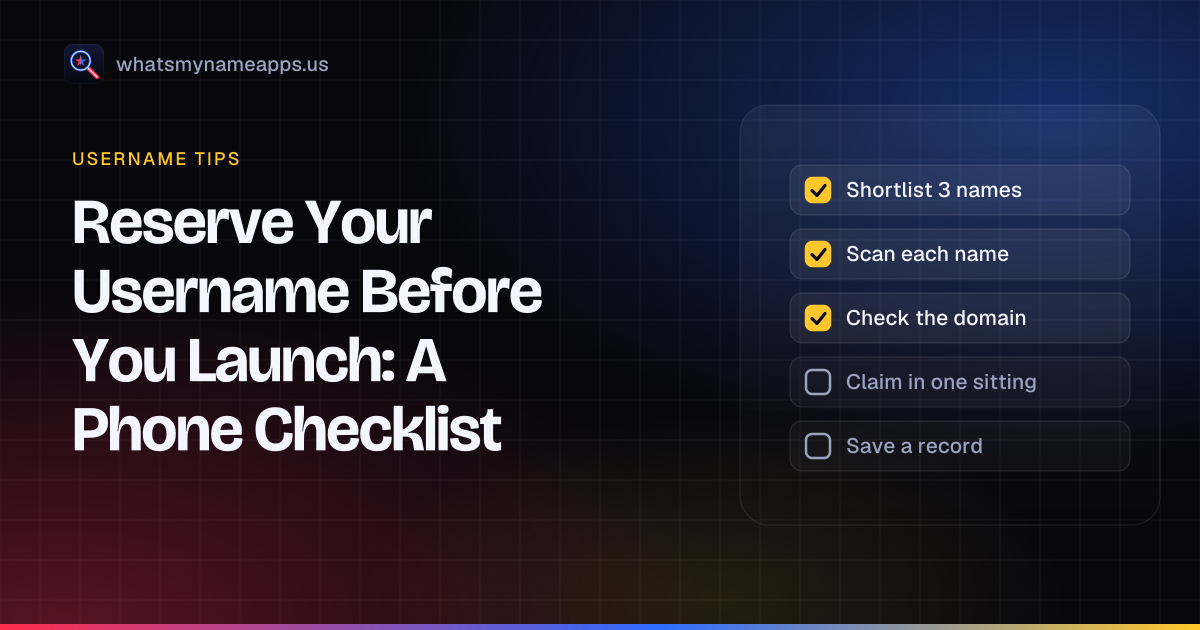
You picked a name for your channel, shop or side project. Maybe you already have the logo. Then you go to sign up on the fifth app and someone already has it. Now you have four accounts under one name and a fifth that doesn't match.
The fix is boring: check first, then claim everything in one go. You can do the whole thing from your phone in about half an hour.
Why check before your first signup
The first account is rarely the problem. The trouble starts around the fifth or sixth, after you have already printed the name on stickers or told people where to find you. A quick check up front tells you whether your name is open on most of the places you care about, or whether you should change it while it still costs you nothing.
A matching handle everywhere also makes you easier to find. If a fan knows you as @lunabakes on one app, they will try that exact name on the next one. If it belongs to someone else there, they might follow the wrong account, or give up.
The checklist
1. Shortlist three names
Don't get attached to one option. Pick a first choice and two backups, all short, easy to spell out loud and free of numbers that look like a birth year. Our tips on choosing a unique username help if you are still stuck.
2. Scan each name from your phone
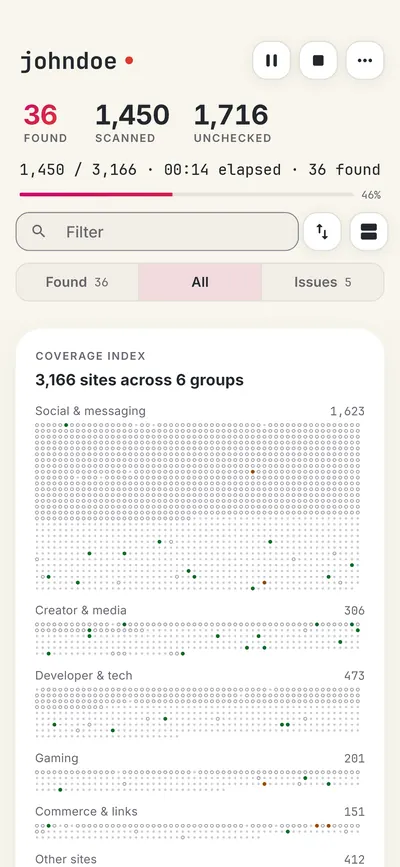
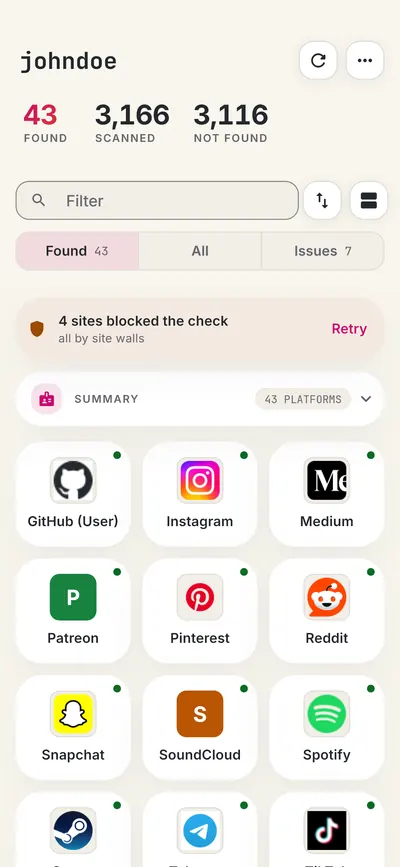
Type each candidate into a username search and see where it already has an account. On Android, our free username search app for Android checks more than 3,150 sites with the scan running on your phone. Before you start, you can narrow it to the categories you care about, such as social, video or shopping, so the results stay short.
Read the results with your launch in mind. "Found" on a big network you plan to use is a real problem. "Found" on a forum you will never touch can wait. "Blocked" and "Unknown" mean the app couldn't get an answer, so retry the blocked sites or check those by hand.
The app is free with ads. You get a set of free searches each day, which covers a shortlist of three, and you can unlock more inside the app. On an iPhone or a computer, use our web search instead.
3. Check the domain and the wider name
A free handle with a taken domain can still trip you up later. Run your favourite through our name checker to see domains next to the username results before you commit.
4. Confirm on each signup form
"Not found" is a strong hint, not a guarantee. Some platforms reserve names, hold on to handles from deleted accounts for a while, or have length and character rules that block yours. The signup form has the final word. Our guide on checking if a username is taken covers the quirks site by site.
5. Claim everything in one sitting
Once a name passes, sign up everywhere you plan to use within the same hour or so. Start with the networks where your audience already is, then the ones you might use later. Leaving a gap of a few weeks is exactly how names slip away.
6. Lock the new accounts down
Save each login in a password manager, use a unique password, and turn on two-step sign-in where it is offered. An account you made today and forgot about is easy to take over next year.
7. Keep a record
Export your scan results as CSV or JSON from the app and keep the file with your launch notes. Later, when you wonder whether you ever claimed the name on some smaller site, the answer is right there.
If your name is taken on a few sites
Taken on one or two minor sites is normal, and usually not worth a new name. If it is taken on a network that matters to you, you have a few options:
- Add one consistent extra. A short word like "hq", "studio" or "official", used on every site where the plain name is gone, still reads as one brand.
- Look at the existing account. If it is empty and old, some platforms have a process for inactive names. The rules differ by site and often say no, so don't plan around it.
- Don't buy a handle. Paying a stranger for a username is against the rules on many platforms, and the account can be pulled back later.
- Switch to a backup. If your first choice is taken on two or three big networks, one of your backups is probably the better brand.
If you are protecting a business name rather than a personal one, our guide on how to protect a brand name on social media covers trademarks and impersonation as well.
After you claim it
Fill in each new profile with a short bio and a link to your main site, even if you won't post there for months. An empty account looks abandoned, and sometimes it gets mistaken for a copycat. Re-run your name every few months too. New apps launch all the time, and a quick scan shows whether your name is still free on the latest one.
FAQ
How do I check if a username is free on every app at once?
Use a username search that checks many sites in one go, such as our Android app or our web search, then confirm on each signup form.
Does "Not found" mean I can register the name?
Usually, but not always. Reserved names, held handles and character rules can still block it, so the signup form decides.
How many sites should I claim my name on?
The ones where your audience spends time, plus any you expect to use within a year. You don't need an account on every site that exists.
Can I check names on an iPhone?
Yes, through our web search in any mobile browser. The app is Android-only for now.
The app and this site are not affiliated with the WhatsMyName project or with Google. Google Play is a trademark of Google LLC.
Check a username now. Free, no sign-up, 3,165 sites. Try the username search
Search usernames on your phone. Get the free Android app. Scans run on your device.
Related in Username tips
- Username tips
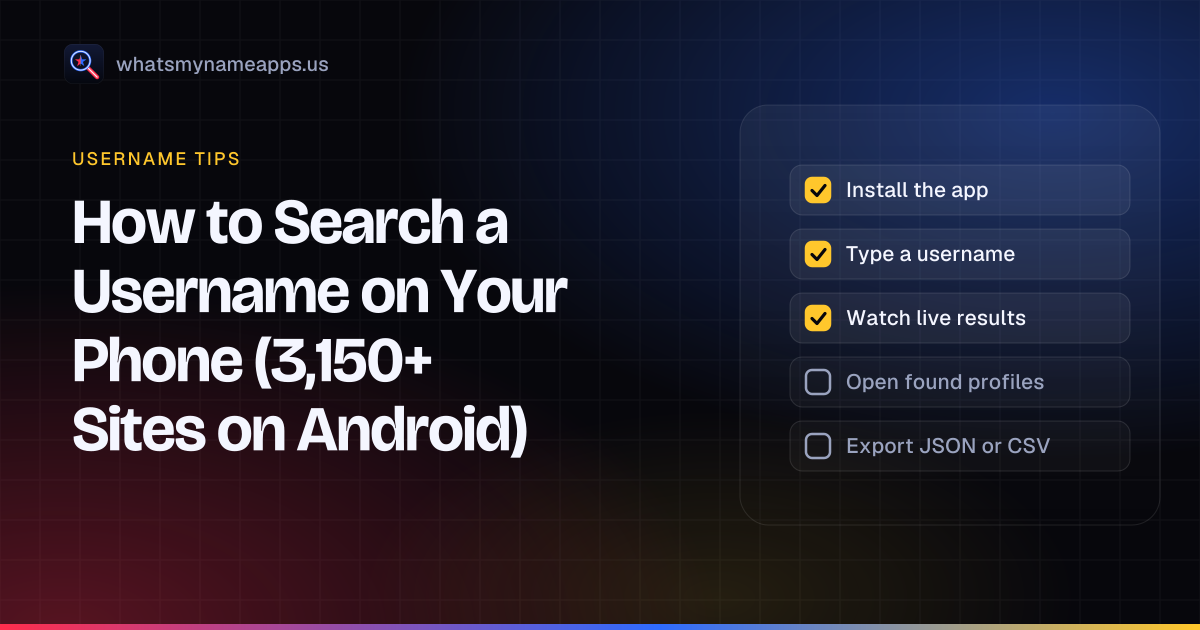
How to Search a Username on Your Phone (3,150+ Sites on Android)
How to search a username on your phone: check one handle on 3,150+ sites with a free Android app that runs every scan on the device, or use your browser.
· 5 min read
- Username tips
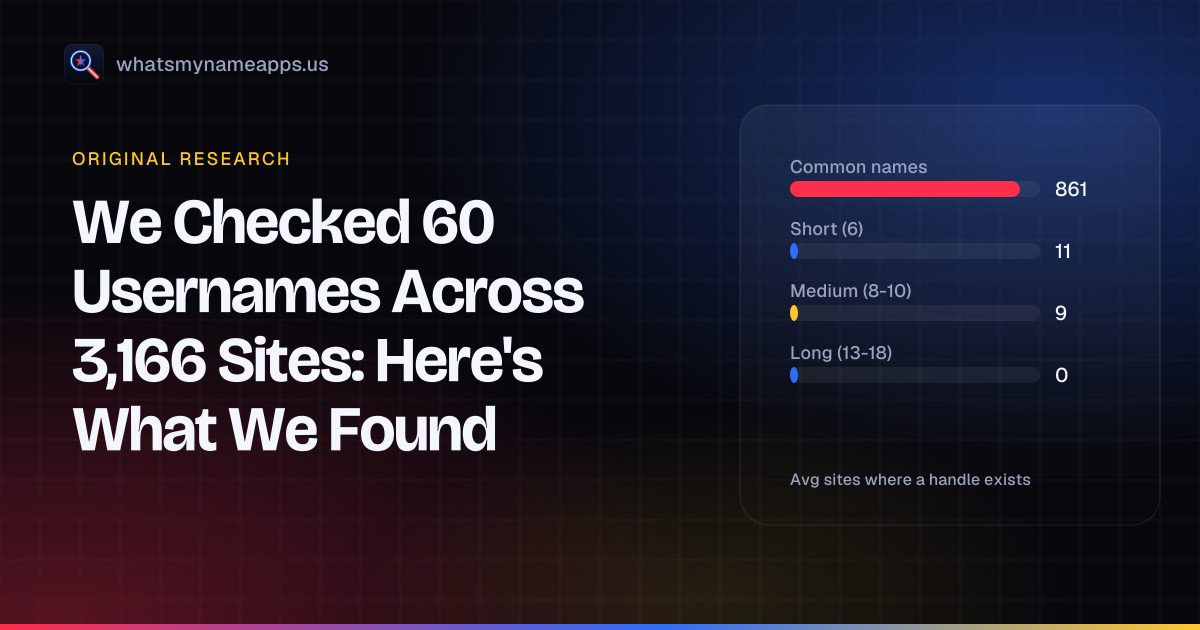
We Checked 60 Usernames Across 3,166 Sites: Here's What We Found
Original data: 60 test handles, 3,166 sites, 189,960 checks. How many sites a random username already exists on, which sites block checks, and why.
· 7 min read
- Username tips
How Brands Protect Their Handles
How brand teams reserve handles before launch, block squatters and lookalikes, keep account access under control, and what platforms will (and won't) do about a taken name.
· 5 min read
More from the blog
- What Mr. Robot Gets Right About OSINT and Your Digital Footprint
- Best Username Search Apps for Your Phone: What to Look For
- Find Forgotten Accounts Using Only Your Phone
- Sherlock vs Maigret vs WhatsMyName: Which Username OSINT Tool to Use
- How to Get a Custom Bluesky Handle With Your Own Domain
- Bluesky Handle Availability: How to Check and Claim Yours