What Is Username Enumeration? How Sites Leak Your Accounts
By WhatsMyName Apps team · · 6 min read
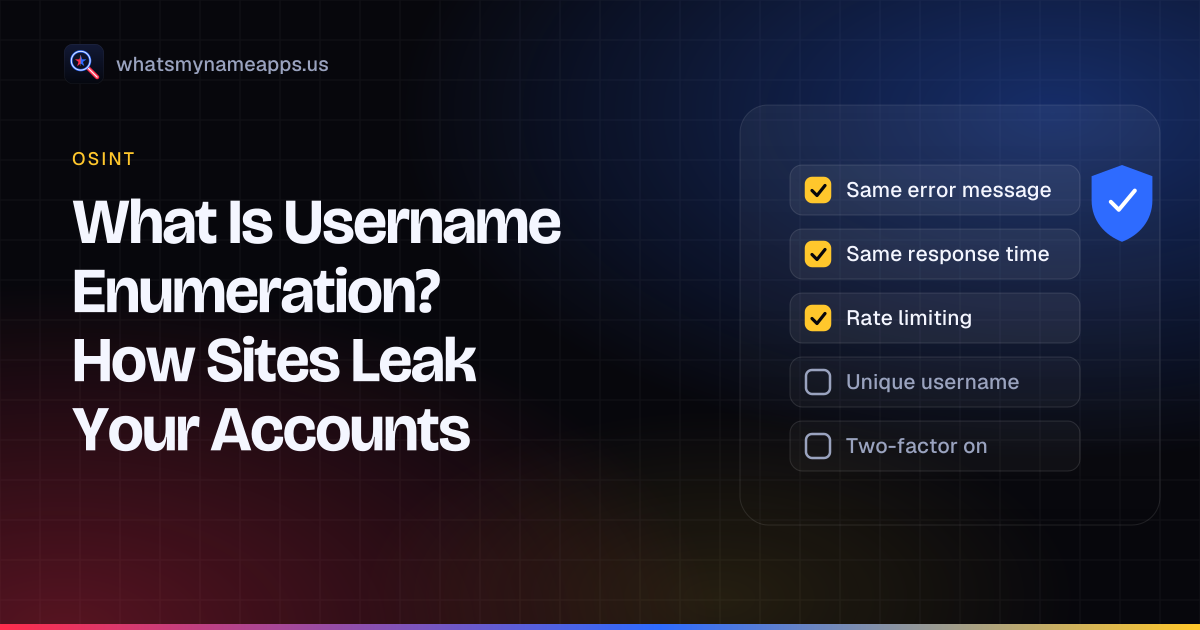
Type a username into a login form with the wrong password, and the site might reply "wrong password". Type a name that has never been registered and it might say "no account found". That small difference tells anyone who asks whether an account exists. Repeat it thousands of times with a script and you have username enumeration: working out which usernames or email addresses are registered on a service by watching how it responds.
Below: how it happens, why sites still leak this information, and what you can do about it, whether you run a website or just have accounts on lots of them.
Two meanings of the term
People use "username enumeration" in two related senses:
- In application security, it is a weakness in a single site: its login, registration or reset flow reveals whether an account exists. MITRE catalogs the general problem as CWE-204, Observable Response Discrepancy: the product "provides different responses to incoming requests in a way that reveals internal state information". The parent entry, CWE-203, covers discrepancies of any kind, including timing.
- In OSINT, it means checking one username across many sites to see where it is registered. Tools such as Sherlock, Maigret and ours mostly do this by opening public profile pages (example.com/username), which are public by design, rather than by abusing login forms.
The defensive advice below is mostly about the first meaning, because that is where a site leaks something it never meant to publish.
How sites leak whether an account exists
Different error messages
The classic leak. The OWASP Authentication Cheat Sheet lists incorrect login responses such as "Login for User foo: invalid password", "Login failed, invalid user ID" and "Login failed; account disabled". Each one confirms something. Its recommended response is a single message: "Login failed; Invalid user ID or password."
Password reset pages
Reset forms leak just as often. "This email address doesn't exist in our database" confirms which addresses are not registered, and by elimination which are. OWASP's suggested wording is "If that email address is in our database, we will send you an email to reset your password." The Forgot Password Cheat Sheet makes the same point: return a consistent message whether or not the account exists.
Sign-up forms
"That username is taken" is useful to real users and almost impossible to avoid for public handles. For email sign-ups, OWASP suggests applying the same generic-message approach where the account already exists, for example by sending an email instead of showing an error.
Response time
Even with identical messages, timing can leak the answer. OWASP's example: if a site checks whether the user exists and exits immediately when it doesn't, but hashes and compares a password when it does, the second path takes measurably longer. The fix is to run the same work in both cases so responses take about the same time.
Status codes, redirects and page details
A different HTTP status, a redirect to a different page, an extra cookie or a slightly different page size can all separate "exists" from "doesn't exist", even when the visible text is the same. Security testers check for these in OWASP's Web Security Testing Guide, whose account enumeration test lists HTTP status codes, error messages, redirects, page titles, password recovery messages and response timing as ways usernames leak.
Why it matters
Knowing an account exists is rarely harmful on its own. It becomes a problem when it is the first step in something else:
- Password guessing and credential stuffing. An attacker with a list of real accounts can focus leaked or common passwords on them instead of wasting attempts on names that don't exist.
- Targeted phishing. If a site confirms that your email has an account there, a fake "your account is locked" email for that service becomes far more convincing.
- Sensitive memberships. On some sites, such as health forums, dating apps or support communities, simply having an account reveals something private. Have I Been Pwned treats some breaches as sensitive for this reason and, as its FAQ explains, only shows them after you prove you own the email address.
- Profiling. Combining which services an email or username is registered on builds a picture of someone's life.
Why sites still do it
Mostly because it helps genuine users. OWASP's cheat sheet admits the trade-off openly: generic messages can confuse people, who may give up after a few retries. A sign-up form that refuses to say a username is taken would be unusable. So many sites accept some enumeration and rely on other controls, which OWASP also describes: brute-force protection and rate limiting stop enumeration "at scale", and a CAPTCHA can protect a feature where a generic message isn't practical. Public profile pages are a separate case. They exist so people can find each other, and anyone can see them, which is exactly what username search tools read.
How to protect yourself as a user
You can't change how other sites answer, but you can make the information much less useful to an attacker:
- Use a unique password for every account, stored in a password manager. Enumeration plus reused passwords is how most account takeovers start.
- Turn on two-factor sign-in, preferably an authenticator app or a passkey rather than SMS.
- Use a separate email (or an alias) for sensitive services, so confirming that address reveals nothing about your main identity.
- Treat "account" emails with suspicion. Go to the site directly instead of clicking the link.
- Delete accounts you no longer use. An account that doesn't exist can't be enumerated or taken over. Our guides on finding old accounts and securing old accounts walk through it.
- Vary usernames where it matters. A unique handle for a sensitive community stops someone linking it to your public profiles.
How to prevent it if you run a site
- Return one generic message for failed logins and for reset requests, whatever the reason.
- Keep responses the same in status code, redirects, headers and roughly in timing. Do the same work whether or not the account exists.
- Rate-limit login, reset and sign-up endpoints per IP address and per account, and add a CAPTCHA where you must reveal availability. NIST's SP 800-63B requires verifiers to limit consecutive failed authentication attempts on an account to no more than 100.
- Prefer email-based flows for registration ("we've sent you a link") so the page never says whether the address was already registered.
- Log and alert on high volumes of failed lookups.
- Test it. The OWASP Web Security Testing Guide has a dedicated test case for account enumeration.
See your own exposure
The quickest way to understand username enumeration in the OSINT sense is to see it applied to yourself. WhatsMyName Apps checks whether a username has a public profile on 3,165 sites, using public profile pages only, not login or reset forms. Check a handle you use, then lock down or delete anything you forgot about. The username is used only to run the check and is not stored or logged. For more on how investigators use username checks, read what OSINT is.
Check a username now. Free, no sign-up, 3,165 sites. Try the username search

Search usernames on your phone. Get the free Android app. Scans run on your device.

Related in OSINT
- OSINT
What Mr. Robot Gets Right About OSINT and Your Digital Footprint
Mr. Robot and OSINT: how Elliot profiles people from public accounts and reused usernames, what is realistic, and how to shrink your own digital footprint.
· 6 min read
- OSINT
Best Username Search Apps for Your Phone: What to Look For
How to pick a username search app for your phone: the features that matter, the red flags to skip, and when a web tool beats installing anything.
· 5 min read
- OSINT
Sherlock vs Maigret vs WhatsMyName: Which Username OSINT Tool to Use
Sherlock, Maigret and WhatsMyName compared from their own documentation: site coverage, output, profile parsing, setup, and which one fits your username investigation.
· 6 min read
More from the blog
- How to Search a Username on Your Phone (3,150+ Sites on Android)
- Reserve Your Username Before You Launch: A Phone Checklist
- Find Forgotten Accounts Using Only Your Phone
- We Checked 60 Usernames Across 3,166 Sites: Here's What We Found
- How to Get a Custom Bluesky Handle With Your Own Domain
- Bluesky Handle Availability: How to Check and Claim Yours