Someone Is Impersonating Me Online: What to Do
By WhatsMyName Apps team · · 7 min read
Finding an account that uses your name and photos is unsettling, especially when it is messaging your friends or family. Every major platform bans impersonation and has a way to report it, often even if you don't have an account there. Below: what to do in the first hour, the official report route on each big platform, and when the police, the FTC or the FBI should get involved.
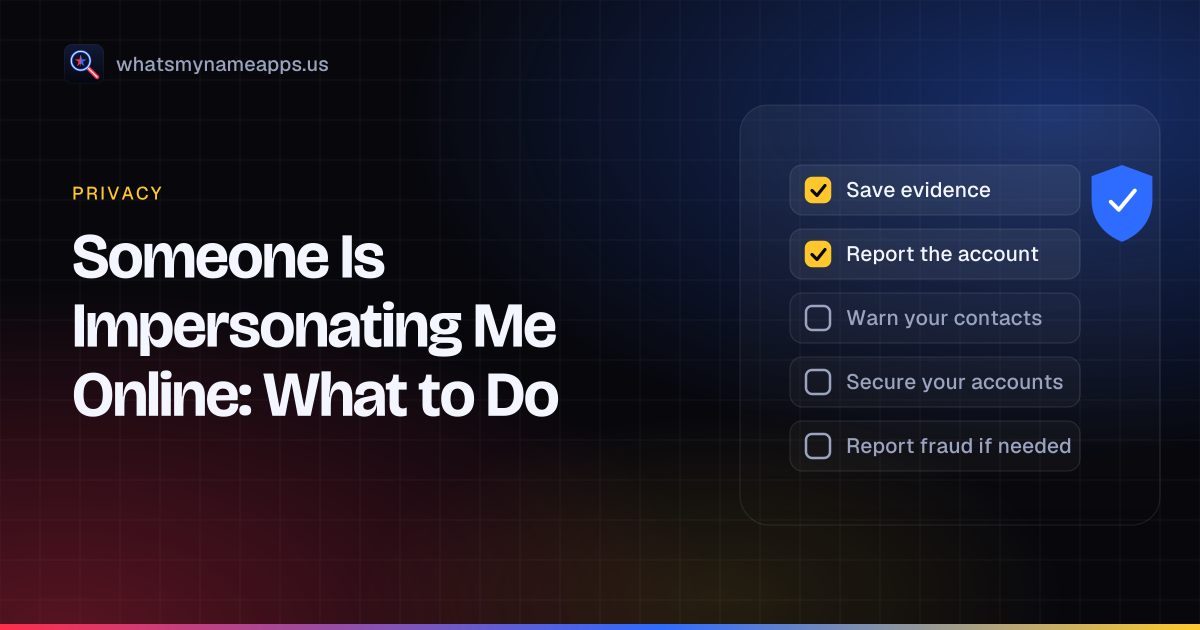
The first hour: five things to do
- Don't engage. Messaging or threatening the account rarely helps and can prompt it to delete evidence or block you.
- Save evidence (details below) before you report, because a removed account takes its evidence with it.
- Report it to the platform as impersonation, not as spam. The impersonation route is the one that removes accounts.
- Warn your contacts with a short post or message: "An account pretending to be me is sending requests. Please don't accept it or send money, and report it."
- Secure your real accounts in case the fake came from a hacked account: change passwords, turn on two-factor sign-in, and check recovery email and phone.
What evidence to collect
- The profile URL (copy it from the address bar or the app's share option) and the exact username.
- Screenshots of the profile, its posts and its photos, with the date and time visible.
- Screenshots of messages it sent to you or to others. Ask friends who were contacted to send theirs.
- Any payment requests, links, phone numbers or crypto addresses it used.
- Your own original photos or posts that it copied, with dates, to show they're yours.
- A simple log: when you found it, what you reported, where, and any case or ticket numbers.
Keep the files in one folder. You'll need them for the platform, and again if you go to the police or a lawyer.
How to report impersonation on each platform
We checked each official page on October 14, 2026. Platforms change their forms often, so if a link moves, search the platform's help center for "impersonation".
| Platform | Official route | Without an account? | ID requested? |
|---|---|---|---|
| Instagram and Threads | Report an Impersonation Account form (help article) | Yes, via the form | Yes: a photo of your ID, and a photo of you holding it |
| Report a profile or Page pretending to be you; Report an Impostor Account form | Yes, via the form | Yes | |
| TikTok | In app: Report, Report account, Pretending to Be Someone, Me. Help article; US request form | Yes, via the form | Yes on the US form, plus an e-signature |
| X (Twitter) | Impersonation report form (help article) | Yes | Yes, a government-issued ID |
| YouTube | Impersonation form linked from the impersonation policy | Needs a Google sign-in | Not mentioned |
| On the profile: More, Report / Block, "This person is impersonating someone" (help article) | No | Not mentioned | |
| Snapchat | Press and hold the name, then Report (help article), or the web form | Yes, via the web form | Not checked |
| Report button on the profile or post (impersonation policy) | No | Not mentioned | |
| Discord | Report in the app (identity and authenticity policy) | No public form found | Not mentioned |
| Twitch | User report, "Report Something Else" for a username or avatar (help article) | No | Not mentioned |
| Bluesky | Report in the app; [email protected] (community guidelines) | By email | Not mentioned |
| Telegram | Contact @NoToScam (FAQ) | Needs Telegram | Not mentioned |
| GitHub | Profile, Block or Report, Report abuse (docs, policy) | No | Not mentioned |
About the ID requests
Instagram, Facebook, TikTok's US form and X all ask the person being impersonated to prove who they are, usually with a photo of a government ID. It feels intrusive, but it is how they stop people from getting real accounts removed by pretending to be the victim. The Instagram form says the ID will be deleted within 30 days. Facebook says it may keep an encrypted copy for up to a year to improve its fake-ID detection unless you opt out, in which case it is deleted within 30 days. Cover any numbers the form doesn't need, and only upload IDs on the platform's own help domain.
If you're reporting for someone else
Instagram's and Facebook's forms accept reports from the person impersonated or an authorized representative, such as a parent or legal guardian. On X, anyone can flag an impersonating account from its profile, but the full impersonation report has to come from the person or their representative. Friends who were contacted can still report the account as fake or scam through the normal report button, which helps.
If the platform doesn't act
- Report again with clearer evidence: side-by-side screenshots of your real profile and the fake, and messages that show it pretending to be you.
- Ask several people who were contacted to report it too.
- If it uses your copyrighted photos, most platforms also have a separate copyright report form, which is handled by a different team.
- For intimate images, use the routes in the next section; they are often faster than ordinary reports.
When to go to the police, the FTC or the FBI
Most impersonation ends with a platform report. Go further when the fake account is used to commit a crime or causes real harm:
| Situation | Where to report |
|---|---|
| Threats, stalking, extortion, or you feel unsafe | Local police (911 in an emergency). Bring your evidence folder. |
| The account scams people out of money in your name | ReportFraud.ftc.gov (shared with more than 2,000 law enforcers) and the FBI's IC3, which takes cyber-enabled fraud and cybercrime complaints |
| Someone used your personal details to open accounts, get credit or file taxes | IdentityTheft.gov, which gives you a recovery plan and pre-filled letters |
| Intimate images of you (18 or over) shared without consent | StopNCII.org (hashes the image on your device so it isn't uploaded), the platform, and the FTC's Take It Down site, which says platforms have 48 hours to remove reported images |
| Images of you taken when you were under 18 | NCMEC's Take It Down (also works without uploading the image) and the police |
IC3 and the FTC say they can't respond to every individual report, but reports feed investigations, and the report number is useful when you deal with banks or platforms. Laws on online impersonation vary by state and country; if the account is damaging your reputation or business, a lawyer can advise on civil options.
Clean up search results
If the fake account or a page it created shows your phone number, home address or email in Google results, Google's Results about you tool lets you request removal from Google Search. That removes the search result, not the page, so report the page itself too.
Make it harder next time
- Turn on two-factor sign-in everywhere. CISA's guidance on multifactor authentication explains why: a stolen password alone isn't enough.
- Make your friends or followers list private, so an impersonator can't copy it to find targets.
- Limit who can see your photos. Our privacy settings checklist walks through each app.
- Claim your usual handle on big platforms you don't use, so nobody can take the exact name. The name checker shows where it's still free.
- Check for new fakes every few months. Our guide on finding fake accounts using your name is a one-hour routine.
To see where your usernames appear right now, run a free username search. WhatsMyName Apps checks 3,165 sites and shows the public name and avatar of each profile it finds, which makes copies easier to spot. The username is not stored or logged. If you represent a company rather than yourself, our brand protection page covers handle squatting and brand impersonation.
FAQ
Can I report a fake Instagram or Facebook account if I don't have an account?
Yes. Both have impersonation forms that work without an account, linked in the table above. You'll be asked for a photo of your ID.
Is impersonating someone online a crime?
Making a fake profile breaks every major platform's rules. Whether it is also a crime depends on where you live and what the account does: using it to defraud, threaten, harass or extort someone often is. Report crimes to the police, and fraud to the FTC and IC3.
Will the platform tell me who made the fake account?
Generally not. Platforms share account details with law enforcement through legal process. LinkedIn, for example, says reported members won't know who reported them, and the same privacy works the other way.
How long does removal take?
It varies by platform and by how clear the evidence is, from hours to a couple of weeks. Keep your ticket numbers and report again if nothing happens.
Check a username now. Free, no sign-up, 3,165 sites. Try the username search

Search usernames on your phone. Get the free Android app. Scans run on your device.

Related in Privacy
- Privacy
Find Forgotten Accounts Using Only Your Phone
Your phone already holds clues to accounts you forgot: saved passwords, sign-in links, old texts and app history. Find them, then scan your old usernames.
· 4 min read
- Privacy
How to Remove Yourself From TruePeopleSearch (2026 Steps)
TruePeopleSearch opt-out steps checked October 2026: what the form asks for, the 24-hour email link, the 3-day wait, and how to confirm removal.
· 7 min read
- Privacy
Spokeo Opt-Out: How to Remove Your Listing in 2026
Spokeo opt-out steps checked October 2026: paste each listing URL, confirm by email, allow 24 to 48 hours. Plus the one sister site it does not cover.
· 4 min read
More from the blog
- What Mr. Robot Gets Right About OSINT and Your Digital Footprint
- How to Search a Username on Your Phone (3,150+ Sites on Android)
- Best Username Search Apps for Your Phone: What to Look For
- Reserve Your Username Before You Launch: A Phone Checklist
- Sherlock vs Maigret vs WhatsMyName: Which Username OSINT Tool to Use
- We Checked 60 Usernames Across 3,166 Sites: Here's What We Found