How to Remove Yourself From TruePeopleSearch (2026 Steps)
By WhatsMyName Apps team · · 7 min read
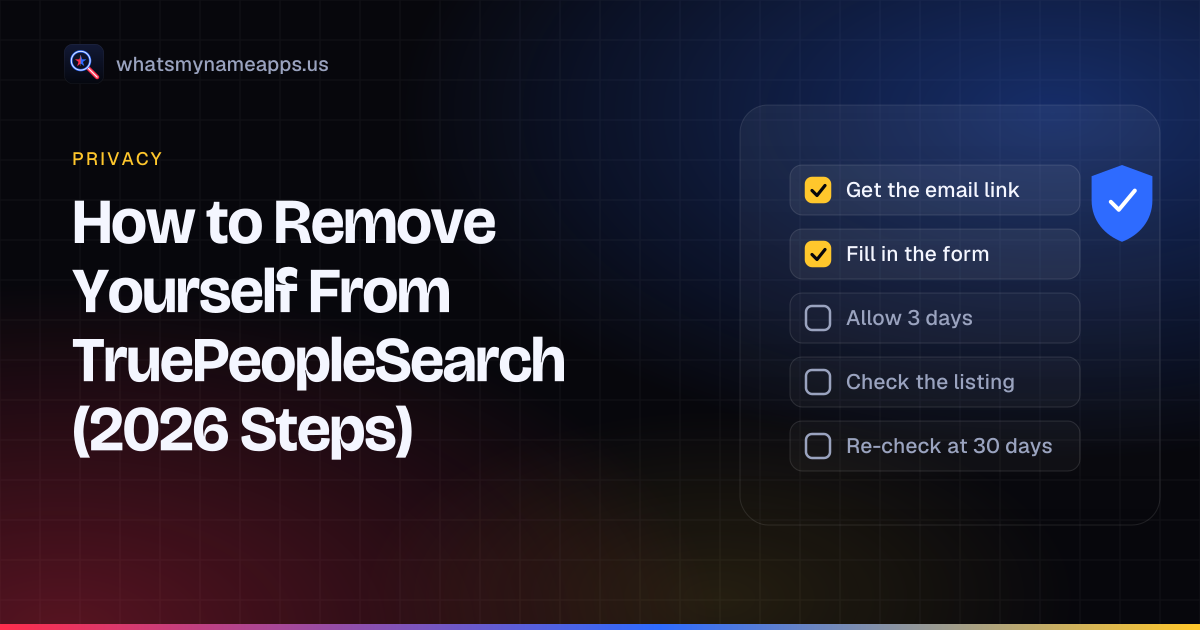
TruePeopleSearch is one of the free people-search sites that most often shows up when someone types a full name into a search engine. A listing can show your age, current and past addresses, phone numbers and relatives. The site has a free opt-out, and it takes about ten minutes plus a short wait. The steps below follow the wording on the site's own removal page as it stood on October 14, 2026.
How we checked these steps
Plain web requests to TruePeopleSearch get an HTTP 403 (a bot check), so we opened the removal page, the privacy notice and the privacy rights page in a rendered browser session on October 14, 2026 and read them. We did not search for any person, and we did not submit a request, so the second form is described from the site's own instructions, not from a screenshot. We also read the company's filing in the California data broker registry.
Who runs TruePeopleSearch
In the California registry, TruePeopleSearch.com is filed under Free Data Services, LLC of San Francisco, with [email protected] as the contact address. It is the only site that company lists. FastPeopleSearch belongs to a different company, so removing yourself from TruePeopleSearch does nothing there. Our FastPeopleSearch removal guide covers that one.
TruePeopleSearch opt-out: step by step
- Find your listing first (optional but useful). Search the site for your name and the city you live in, and note every record that is clearly you. People who have moved often have more than one. Copy each listing's address from the browser bar into your notes.
- Open the removal page. Go to truepeoplesearch.com/removal. The page is titled "Do Not Sell/Right to Opt-out", and the "Do Not Sell" link in the site footer leads to the same form.
- Say who you are. Choose whether you are the subject of the request or an authorized agent acting for someone else.
- Enter your name and email and pass the captcha. The site sends a link to that address. Use an inbox you check, and look in spam if nothing arrives.
- Click the email link within 24 hours. The page warns that the email can take a while, and that after 24 hours the link stops working and you have to request a new one.
- Fill in the opt-out form so it matches your record. The page says the details "should match the information on the record you want removed", and that leaving things out or entering them inaccurately "will only hinder the opt-out process". Use the name, age and address exactly as the listing shows them, even if they are out of date.
- Check the confirmation. You land on a confirmation page and get a confirmation email. Keep that email. The site says to "allow 3 days" for the record to be fully removed.
If you have several listings, submit the form once for each, and save each confirmation email.
What TruePeopleSearch asks for (and what it doesn't)
| Item | Asked for? | Notes |
|---|---|---|
| Name | Yes | First and last name on the first step |
| Email address | Yes | Receives the 24-hour link and the confirmation |
| Captcha | Yes | Before the email is sent |
| Record details | Yes | On the second form; should match the listing you want removed |
| Photo ID | No | Not mentioned anywhere in the opt-out flow |
| Payment or account | No | The opt-out is free and needs no account |
The privacy notice adds a useful line: "opt-out requests do not require verification". Requests to know, delete or correct data go through a separate privacy rights form, and those are verified by matching two or three data points you provide, such as name, email and phone number. For simply getting off the site, the opt-out form is the one you want. The privacy rights form itself says that for deletion requests you should use the opt-out instead, because the listing data comes from third parties.
A form that asks you to upload a driver's license or pay a fee to remove a TruePeopleSearch listing is not the site's own process. Check the address bar for truepeoplesearch.com. A 2024 KrebsOnSecurity investigation found look-alike domains with similar names run by an unrelated network.
How long removal takes
The site's own figure is 3 days. The company's California filing reports a median of 1 day to respond to opt-out requests (the filing form labels its response-time questions as covering 2024). Search engines can keep showing an old snippet or cached copy for a while after the page itself is gone, so judge success by the TruePeopleSearch page, not by the search result.
How to check that you are really removed
- Wait at least 3 days after the confirmation email.
- Open each listing URL you saved. A removed record should no longer load your details.
- Search the site again for your name with your current city, then with past cities and spelling variants (middle initial, maiden name, nicknames). A new record can exist under a slightly different version of your details.
- Write the result and the date in your log (template below).
Why requests get denied, and what to do
Denials happen more than most guides admit. In its California filing, Free Data Services reported 433,773 opt-out requests, 309,142 complied with in full and 124,631 denied, about 29%. The filing does not give reasons. The removal page's own warning hints at the most common one: details that don't match the record. If your listing is still there after a few days:
- Submit again and copy the details from the listing word for word, including the old address it shows.
- Check that you clicked the email link within 24 hours.
- Use the appeal route in the privacy notice: the privacy rights page or the phone number it lists, (888) 838-4803.
Why your listing can come back after 30 to 90 days
The FTC warns, in its guide to people search sites, that your information can come back when public records change, and may still appear in reports about your relatives, neighbors or associates. People-search sites refresh their data from public records and commercial sources. When a new record arrives with a different address, a new phone number or a variant of your name, it may not match the one you removed, and a fresh listing appears. That is why a one-time opt-out is rarely the end of it. A sensible routine:
- Recheck 30 days after removal, again at 60 and 90 days, then every few months.
- Recheck after you move, change your phone number or change your name.
- Each time a new record appears, opt it out and log the new URL.
Tracking checklist
| Step | Date | Done |
|---|---|---|
| Saved every listing URL that is me | ☐ | |
| Requested the email link (name, email, captcha) | ☐ | |
| Clicked the link within 24 hours | ☐ | |
| Submitted the form with details matching the listing | ☐ | |
| Saved the confirmation email | ☐ | |
| Checked the listing after 3 days | ☐ | |
| Rechecked at 30 days | ☐ | |
| Rechecked at 60 days | ☐ | |
| Rechecked at 90 days | ☐ |
Do it yourself or pay a service?
You don't need a paid service for TruePeopleSearch; the form is free and takes minutes. Consumer Reports' 2024 evaluation of removal services found that manual opt-outs removed 70% of profiles within a week, against 35% after four months for the seven paid services it tested. Paid services save time across dozens of sites, but check their results the same way you would check your own.
What to do next
TruePeopleSearch is one site among dozens. The usual next stops are FastPeopleSearch, Spokeo and Whitepages. Our guide to removing yourself from people-search sites has the full routine and the state-law options, including California's DROP platform, and our list of sites like TruePeopleSearch shows which sites share an operator.
People-search sites only cover part of your footprint. Old accounts you opened yourself can show your name, photo and town too. WhatsMyName Apps is not a people-search site: it checks whether a username has a public profile on 3,165 sites. Check your own usernames to find forgotten accounts, or start with the digital footprint check. The username is used only to run the check and is not stored or logged.
FAQ
Is the TruePeopleSearch opt-out free?
Yes. It needs no account and no payment.
Do I need to send ID to TruePeopleSearch?
No. The opt-out asks for your name, email and the details of your record. Its privacy notice says opt-out requests do not require verification.
Can someone else remove my listing for me?
Yes. The form has an authorized agent option. Confirmations go to both the agent's and your email address, and the privacy notice says the company may ask the agent for your signed authorization.
Does removing TruePeopleSearch also remove FastPeopleSearch?
No. They are filed under different companies in the California registry, so each needs its own request.
My listing is gone but Google still shows it. Why?
The search engine is showing a cached result. It usually drops off once the page is recrawled. If it lingers, Google's Results about you tool lets you ask for results showing your address, phone or email to be removed from Google Search. That doesn't delete the page itself.
TruePeopleSearch is a trademark of its owner. WhatsMyName Apps is not affiliated with it. Opt-out processes change; the site's own page is the final word.
Check a username now. Free, no sign-up, 3,165 sites. Try the username search

Search usernames on your phone. Get the free Android app. Scans run on your device.

Related in Privacy
- Privacy
Find Forgotten Accounts Using Only Your Phone
Your phone already holds clues to accounts you forgot: saved passwords, sign-in links, old texts and app history. Find them, then scan your old usernames.
· 4 min read
- Privacy
Spokeo Opt-Out: How to Remove Your Listing in 2026
Spokeo opt-out steps checked October 2026: paste each listing URL, confirm by email, allow 24 to 48 hours. Plus the one sister site it does not cover.
· 4 min read
- Privacy
Whitepages Opt-Out: Remove Your Listing in 2026
Whitepages opt-out steps checked October 2026: the five-step form, the phone verification call, the email route if you would rather not give a number.
· 5 min read
More from the blog
- What Mr. Robot Gets Right About OSINT and Your Digital Footprint
- How to Search a Username on Your Phone (3,150+ Sites on Android)
- Best Username Search Apps for Your Phone: What to Look For
- Reserve Your Username Before You Launch: A Phone Checklist
- Sherlock vs Maigret vs WhatsMyName: Which Username OSINT Tool to Use
- We Checked 60 Usernames Across 3,166 Sites: Here's What We Found