Spokeo Opt-Out: How to Remove Your Listing in 2026
By WhatsMyName Apps team · · 4 min read
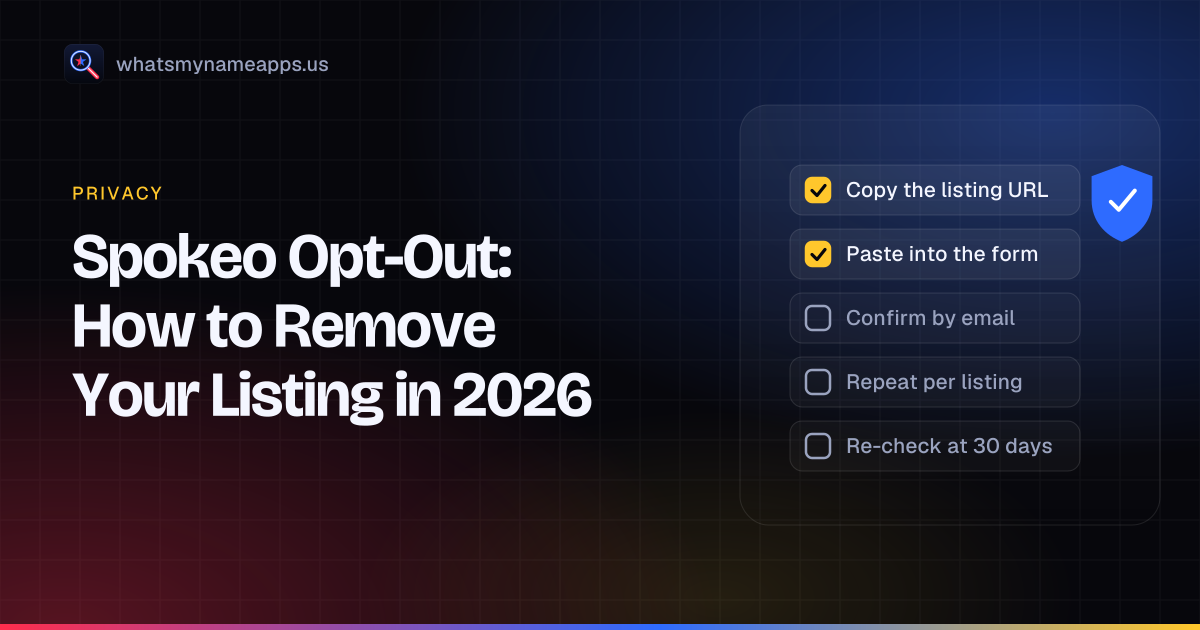
Spokeo builds profiles from public records and other sources and shows them to anyone who searches a name, phone number, email or address. Its opt-out is free and short, but it works one listing at a time, and many people have several. This guide follows the wording on Spokeo's opt-out page as it read on October 14, 2026.
How we checked these steps
Spokeo's opt-out page loaded with a plain web request on October 14, 2026, and the quotes below come from it. We did not search anyone's name and did not submit a request. Ownership and sister-site details come from Spokeo's filing in the California data broker registry.
Spokeo opt-out: step by step
- Find every listing that is you. Search Spokeo for your name with your current state, then past states. Spokeo's page says you "may have multiple listings", each "identified by a unique URL", and each "must be opted out individually".
- Copy the listing URL. Open the listing and copy the address from your browser bar. Spokeo gives an example format: spokeo.com/Smith-Sample/Houston/TX/p12345678. It also accepts the URL of a purchase page for that profile.
- Open the opt-out page. Go to spokeo.com/optout and scroll to "Opt Out Your Listing from Spokeo".
- Paste the URL, enter your email and click Opt Out.
- Confirm by email. Spokeo sends a confirmation email, and the request only goes through once you click the link in it. Check spam if it does not arrive.
- Repeat for each listing URL.
What Spokeo asks for
| Item | Asked for? | Notes |
|---|---|---|
| Listing URL | Yes | One per request |
| Email address | Yes | For the confirmation link |
| Photo ID | No | Not part of the form |
| Phone number | No | Not part of the form |
| Payment or account | No | Free, no sign-up |
If the form doesn't work for you, the page points to Spokeo's customer care team and to [email protected]. Spokeo's registry filing adds that customer care, reachable through spokeo.com/contact (which lists a toll-free number), can help complete an opt-out for all of its public sites.
Spokeo's sister sites, and the one exception
Spokeo, Inc. lists six sites in its California filing: Spokeo, FreePeopleDirectory, ThatsThem, PeopleWin, AnyWho and Family.me. The filing says an opt-out completed on spokeo.com/optout covers all of its public websites except ThatsThem, which has its own form at thatsthem.com/optout. When we tried that page with a plain request it showed an automated security check, so open it in a normal browser. If you find yourself on ThatsThem, submit a separate request there.
How long a Spokeo opt-out takes
Spokeo's page says that, depending on the request and the amount of data, an opt-out "should be processed in 24-48 hours". Its California filing reports a median of 1 day for opt-out requests (labelled as 2024 figures), with 3,795,579 requests received, 3,785,787 complied with in full and 9,792 denied. That is a denial rate well under 1%, far lower than some other large people-search operators report.
How to check your listing is gone
- Wait 48 hours after clicking the confirmation link.
- Open each listing URL you opted out. It should no longer show your profile.
- Search Spokeo again with your current and past locations and name variants. New listings can exist under other spellings or addresses.
- Check FreePeopleDirectory or AnyWho as a spot check of the sister sites, and ThatsThem separately.
Why Spokeo listings come back
Spokeo's opt-out page is direct about this: because it keeps receiving new and updated records, "your information may reappear on Spokeo in the future without notice". It also notes that opting out does not remove the data from its original source, so other websites may still show it. Recheck at 30, 60 and 90 days, then every few months and after a move. Each new listing has a new URL and needs its own opt-out.
Tracking checklist
| Step | Date | Done |
|---|---|---|
| Listed every Spokeo URL that is me | ☐ | |
| Submitted an opt-out for each URL | ☐ | |
| Clicked every confirmation email | ☐ | |
| Checked each URL after 48 hours | ☐ | |
| Checked ThatsThem and opted out there if listed | ☐ | |
| Rechecked at 30, 60 and 90 days | ☐ |
Next steps
Spokeo is one of several big names. Our list of Spokeo alternatives and other people-search sites shows who runs each one. Carry on with Whitepages, TruePeopleSearch and FastPeopleSearch, or use the full people-search removal guide, which covers BeenVerified and state options such as California's DROP. Sites like TruePeopleSearch groups more sites by operator.
WhatsMyName Apps covers a different part of your footprint: accounts you opened yourself. It checks a username against 3,165 sites and does not search names, phones or addresses. Check your usernames or start the digital footprint check. The username is not stored or logged.
FAQ
Is the Spokeo opt-out free?
Yes. You don't need an account or a payment.
Does Spokeo ask for ID?
No. It asks for the listing URL and an email address for the confirmation link.
Why do I have more than one Spokeo listing?
Spokeo creates separate listings when records carry different addresses or name variants. Each one has its own URL and needs its own request.
Does the Spokeo opt-out cover AnyWho and ThatsThem?
Spokeo's registry filing says it covers its other public sites, including AnyWho, except ThatsThem, which has its own opt-out.
Can I use the opt-out if I'm not in California?
Yes. Spokeo's filing says the opt-out is open to all consumers, not just California residents.
Spokeo and the other site names above are trademarks of their owners. WhatsMyName Apps is not affiliated with any of them. Opt-out processes change; the site's own page is the final word.
Check a username now. Free, no sign-up, 3,165 sites. Try the username search

Search usernames on your phone. Get the free Android app. Scans run on your device.

Related in Privacy
- Privacy
Find Forgotten Accounts Using Only Your Phone
Your phone already holds clues to accounts you forgot: saved passwords, sign-in links, old texts and app history. Find them, then scan your old usernames.
· 4 min read
- Privacy
How to Remove Yourself From TruePeopleSearch (2026 Steps)
TruePeopleSearch opt-out steps checked October 2026: what the form asks for, the 24-hour email link, the 3-day wait, and how to confirm removal.
· 7 min read
- Privacy
Whitepages Opt-Out: Remove Your Listing in 2026
Whitepages opt-out steps checked October 2026: the five-step form, the phone verification call, the email route if you would rather not give a number.
· 5 min read
More from the blog
- What Mr. Robot Gets Right About OSINT and Your Digital Footprint
- How to Search a Username on Your Phone (3,150+ Sites on Android)
- Best Username Search Apps for Your Phone: What to Look For
- Reserve Your Username Before You Launch: A Phone Checklist
- Sherlock vs Maigret vs WhatsMyName: Which Username OSINT Tool to Use
- We Checked 60 Usernames Across 3,166 Sites: Here's What We Found