Whitepages Opt-Out: Remove Your Listing in 2026
By WhatsMyName Apps team · · 5 min read
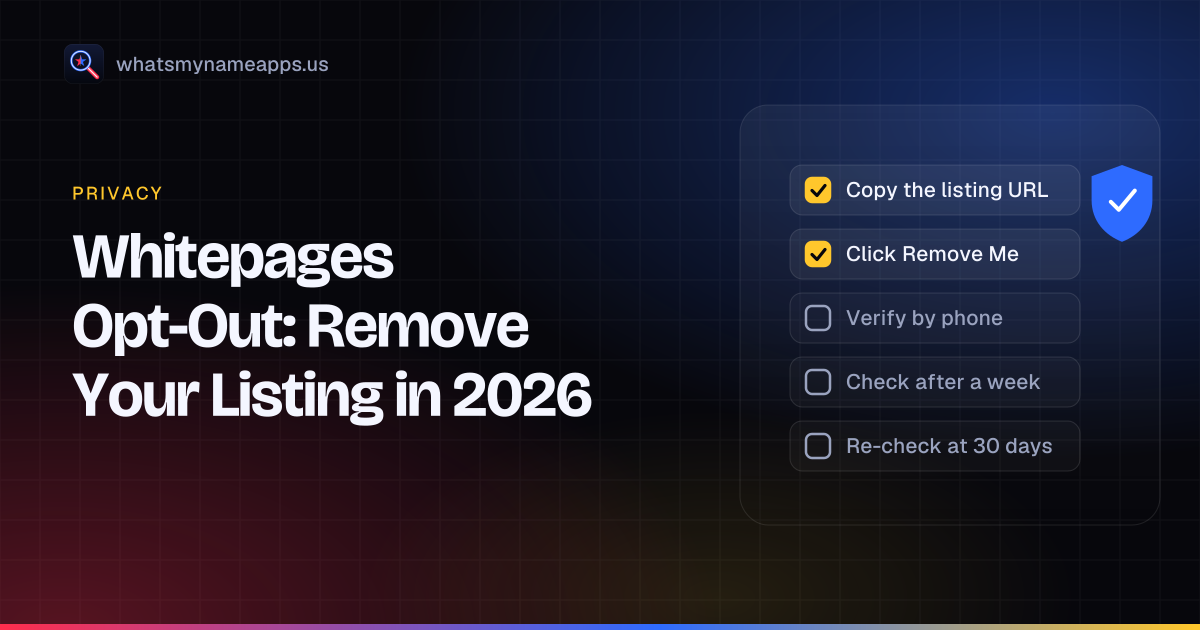
Whitepages is one of the oldest names in people search, and its free listings show names with phone numbers, addresses and relatives. It has a self-service opt-out that removes your listing, with one step that surprises people: a phone call to verify the request. Below are that flow, the alternative if you would rather not give a phone number, and how to make sure the listing stays gone. Everything below comes from Whitepages' own pages as they read on October 14, 2026.
How we checked these steps
We loaded the opt-out page, Whitepages' help article "Edit or Remove a personal listing" and its consumer privacy rights page with plain web requests on October 14, 2026. The opt-out page showed "Step 1 of 5" and the URL field. We did not search anyone and did not submit a request, so steps 2 to 5 come from the help article, not a test run. Request figures come from the California data broker registry.
Step 1: get your listing URL
The form starts from the address of your listing, so find it first. Whitepages' help article describes it like this:
- Use People Search with your first and last name plus city and state.
- Find your listing and click View Details.
- Confirm it is you, for example by checking the phone number and address.
- Copy the URL from the address bar. Whitepages says it ends in a reference code, usually 11 characters, as in whitepages.com/name/Example-A-Person/Seattle-WA/Abcd12345ef.
Steps 2 to 5: the opt-out form
- Paste the URL at whitepages.com/suppression-requests and press Next.
- Check the details on the confirmation page and click Remove Me.
- Pick a reason. Whitepages says the reason does not affect the request.
- Verify by phone. Enter a phone number, review the agreement and press "Call Now to Verify". An automated call comes in and you enter the four-digit code shown on screen. Whitepages says the number is collected only to verify the request and is not resold or used on its site.
- Watch for the confirmation. The page updates to say the removal is being processed. If something fails, use the "Request Help" button to open a ticket.
If you don't want to give a phone number
Whitepages' consumer rights page offers two other ways to opt out, and says you only need one:
- the online privacy request form linked from whitepages.com/privacy/consumer-rights
- an email to [email protected]
The page says to allow up to two business days for a reply to either, and that a customer service agent may need more information to process the request. Using the automated tool instead means providing a phone number and agreeing to Whitepages' terms of service.
What Whitepages asks for
| Item | Automated tool | Email or web form |
|---|---|---|
| Listing URL | Yes | Helpful to include |
| Phone number and call code | Yes | No |
| Agree to terms of service | Yes | No |
| Photo ID | No | Not mentioned; an agent may ask for more details |
| Account or payment | No | No |
How long it takes
The consumer rights page says opt-out requests "may take up to 15 days to process but are often processed more quickly". Whitepages reported a median of 1 day for opt-out requests in its California filing (the form labels the figure as 2024), with 34,722 requests, 33,747 complied with in full and 975 denied. Separately, the help article warns that search engines may keep showing cached Whitepages data for up to 30 days in some cases.
Connected listings and what is not covered
The consumer rights page says that once a listing is removed, "all known connected listings are also removed", and Whitepages will not sell the requester's information. If you still find a listing you believe is yours afterwards, it asks you to contact customer service by web form or email rather than running the tool again.
The help article is also clear about limits: Whitepages can only remove information from its own services. It cannot hide public records held elsewhere, and other companies publish contact details too.
How to confirm the removal
- After a few days, open the listing URL you saved.
- Search Whitepages again with current and past cities and name variants.
- If a listing that is yours remains, email [email protected] with its URL.
- Give search engines up to 30 days to drop cached results.
Re-listing after 30 to 90 days
New records keep arriving from public and commercial sources, and one with a new address or a different spelling can produce a fresh listing. Recheck at 30, 60 and 90 days, then every few months and after a move or a new phone number.
Tracking checklist
| Step | Date | Done |
|---|---|---|
| Copied my Whitepages listing URL | ☐ | |
| Submitted the five-step form (or emailed [email protected]) | ☐ | |
| Completed the phone verification | ☐ | |
| Saw the "processing" confirmation | ☐ | |
| Checked the listing after a few days | ☐ | |
| Search engine cache gone (up to 30 days) | ☐ | |
| Rechecked at 30, 60 and 90 days | ☐ |
Next steps
Whitepages done? Move on to Spokeo, TruePeopleSearch and FastPeopleSearch. The people-search removal guide has the full routine, and sites like TruePeopleSearch shows which sites share an owner.
For accounts you made yourself, WhatsMyName Apps checks a username on 3,165 sites. It never searches names, phone numbers or addresses. Check your usernames or open the digital footprint check. The username is not stored or logged.
FAQ
Is the Whitepages opt-out free?
Yes. Whitepages says you don't need an account or a purchase to opt out.
Why does Whitepages call me?
The automated tool uses a call with a four-digit code to check that the person removing the listing is connected to it. You can avoid the call by emailing [email protected] instead.
Can I edit my Whitepages listing instead of removing it?
Not at the moment. Whitepages' help article says editing individual listings isn't possible yet.
I'm a judge or police officer in New Jersey. Is there a faster route?
Whitepages' help center has an article for people covered by Daniel's Law. Use it alongside the standard opt-out.
Whitepages is a trademark of its owner. WhatsMyName Apps is not affiliated with it. Opt-out processes change; the site's own page is the final word.
Check a username now. Free, no sign-up, 3,165 sites. Try the username search

Search usernames on your phone. Get the free Android app. Scans run on your device.

Related in Privacy
- Privacy
Find Forgotten Accounts Using Only Your Phone
Your phone already holds clues to accounts you forgot: saved passwords, sign-in links, old texts and app history. Find them, then scan your old usernames.
· 4 min read
- Privacy
How to Remove Yourself From TruePeopleSearch (2026 Steps)
TruePeopleSearch opt-out steps checked October 2026: what the form asks for, the 24-hour email link, the 3-day wait, and how to confirm removal.
· 7 min read
- Privacy
Spokeo Opt-Out: How to Remove Your Listing in 2026
Spokeo opt-out steps checked October 2026: paste each listing URL, confirm by email, allow 24 to 48 hours. Plus the one sister site it does not cover.
· 4 min read
More from the blog
- What Mr. Robot Gets Right About OSINT and Your Digital Footprint
- How to Search a Username on Your Phone (3,150+ Sites on Android)
- Best Username Search Apps for Your Phone: What to Look For
- Reserve Your Username Before You Launch: A Phone Checklist
- Sherlock vs Maigret vs WhatsMyName: Which Username OSINT Tool to Use
- We Checked 60 Usernames Across 3,166 Sites: Here's What We Found