LinkedIn Username Checker
LinkedIn does not have @handles. What people call a LinkedIn username is the custom part of your public profile URL, linkedin.com/in/name. LinkedIn creates one for you, often your name plus a short code, and you can swap it for a cleaner one. Type a name below and we link you straight to that address.
LinkedIn username rules
| Length | 3 to 100 characters. |
|---|---|
| Allowed characters | Letters and numbers. LinkedIn says no spaces, symbols or special characters. |
| Banned words | The custom URL cannot contain the word LinkedIn. |
| Uniqueness | Each custom URL belongs to one member, so a URL someone else uses cannot be saved. |
| Format | The address always starts with linkedin.com/in/. Only the part after it can be changed. |
Sources: LinkedIn Help: manage your public profile URL. Last reviewed 2026-10-18. Platforms change their rules; the linked help pages are the final word.
How to check a LinkedIn username
- Type only the part after linkedin.com/in/. Leave out spaces and symbols, since LinkedIn will not accept them anyway.
- We do not query LinkedIn from our server. LinkedIn refuses anonymous automated requests and its robots.txt does not allow crawling profiles, so the result says "Can't verify" with a link to linkedin.com/in/<name>.
- Open that link while signed in. A profile means the URL is taken. A "page doesn't exist" message is a good sign, though a member can hide their public profile.
- The reliable test is your own profile: under Edit public profile & URL, type the name in the custom URL field. LinkedIn tells you if it is not available.
LinkedIn username taken? What you can do
- Add a middle initial or your field: janemdoe or janedoedesign. Skip hyphens and underscores, because LinkedIn's help page rules out symbols.
- Add a city or a credential, such as janedoenyc or janedoecpa. Recruiters see the URL, so a plain one works better than a clever one.
- LinkedIn does not publish a way to claim a URL held by another member, so pick a variation rather than waiting.
- If a profile is pretending to be you or your company, report it to LinkedIn as a fake profile.
How to change your LinkedIn username
- Click Me at the top of LinkedIn, then View profile.
- Click Edit public profile & URL on the right side of the page.
- Under Edit your custom URL, click the pencil icon and type the new name.
- Click Save. Update the link on your résumé, email signature and other profiles, because the old URL stops pointing to you.
Reserved and restricted names
LinkedIn does not allow the word LinkedIn in a custom URL, and its User Agreement bars members from pretending to be someone else. Profiles that impersonate a person or business can be reported and removed.
Tips
- A clean URL looks better on a résumé or business card than the default one with the trailing code.
- Use the same name you use elsewhere when you can, so people searching for you can match your LinkedIn to your other profiles.
- Change your custom URL before you print it anywhere, since an old link will stop working.
Frequently asked questions
Does LinkedIn have usernames?
Not @handles. Your LinkedIn username is the custom part of your public profile URL, linkedin.com/in/name. You sign in with your email or phone number.
How long can a LinkedIn custom URL be?
LinkedIn says 3 to 100 characters, with no spaces, symbols, special characters or the word LinkedIn.
Why does the checker say it can't verify LinkedIn?
LinkedIn refuses automated requests and its robots.txt does not allow crawling profiles, so we never fetch them. We link you to linkedin.com/in/name to check by hand.
Can I search LinkedIn by name instead?
Yes, inside LinkedIn: use the search bar at the top and filter by People. This checker only takes the URL name, not a person's real name.
Also check on other top platforms
Each platform has its own checker page with its own rules. Pick one to test the same name there.
- TikTok
- X (Twitter)
- YouTube
- Snapchat
- Threads
- Telegram
- Discord
- Twitch
- GitHub
- Spotify
- SoundCloud
- Steam
- Medium
- Tumblr
- Bluesky
Check all 3,165+ sites at once with the full username search, or get the Android app to run the same search from your phone.
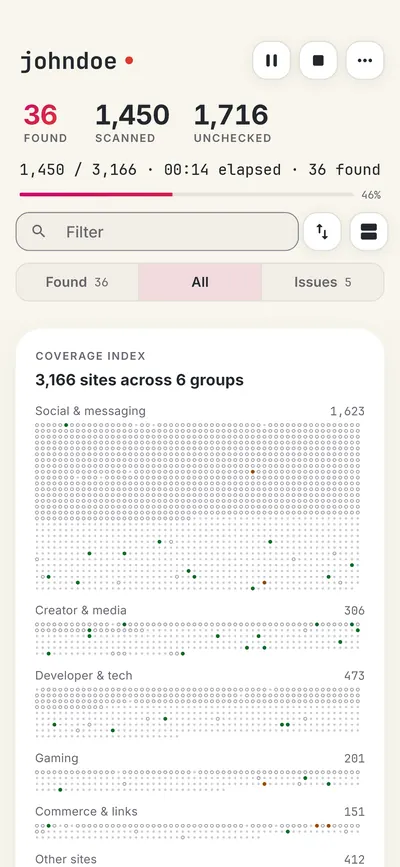
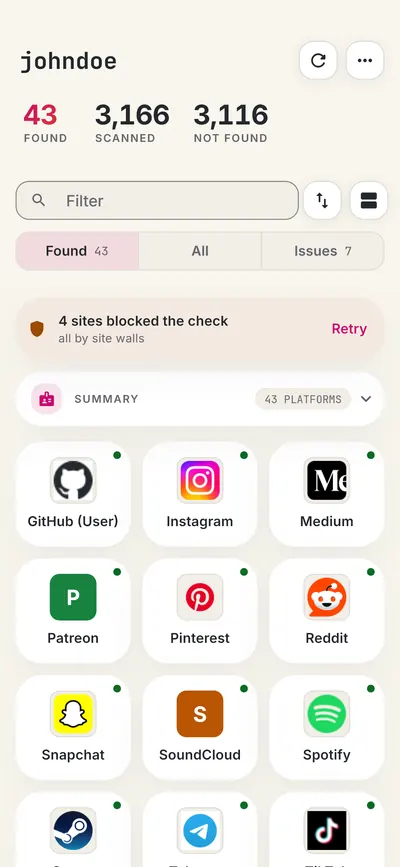
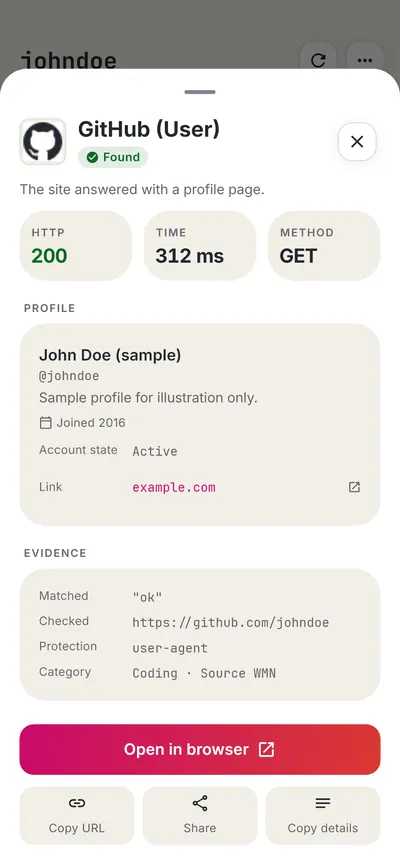
 WhatsMyName: Username SearchSponsored
More username checkers
- GitHub Username Checker
- X (Twitter) Username Checker
- Facebook Username Checker
- Medium Username Checker
- Instagram Username Checker
- YouTube Handle Checker
- All platform checkers · All 3,165+ supported sites · Search every site at once
Not affiliated with LinkedIn. WhatsMyName Apps is an independent tool, not endorsed by LinkedIn, the WhatsMyName project, Sherlock or Maigret. Results are leads to verify.