Kick Username Checker
On Kick, your username is your channel name and your address: kick.com/name. Kick only lets you change it once every 60 days, so test a name before you commit. Our server is usually blocked by Kick, so the live check below often ends with a link to open yourself.
Kick username rules
| Change frequency | Once every 60 days. Your email address has the same 60-day limit. |
|---|---|
| Security | Two-factor authentication must be turned on before you can change your username. |
| Length and characters | Kick's help center does not publish length or character limits. If a name is taken at sign-up, Kick suggests a variation or adding numbers. |
| Content | Usernames must stay within the Community Guidelines. Impersonating another person or misrepresenting an affiliation is against the Terms of Service. |
| Ownership | Under Kick's terms you do not own your account, and you cannot transfer or assign it to someone else. |
Sources: Kick Help: how to update your profile, Kick Help: how to create a Kick account, Kick Help: recognising phishing scams and impersonation, Kick Community Guidelines, Kick Terms of Service. Last reviewed 2026-10-14. Platforms change their rules; the linked help pages are the final word.
Kick search: finding a channel
To find a streamer, search on Kick itself: type the channel name into the search bar on kick.com or in the Kick app. Then check that the channel you open is the real one, because Kick warns about lookalike names that copy popular streamers.
This page answers a narrower question: does kick.com/name belong to a channel? Kick blocks our server, so the box above usually hands you the link to open. To see whether the same name is used on Twitch, YouTube and other sites, run it through our username search.
How to check a Kick username
- Enter the channel name without kick.com/.
- We ask Kick's public channel endpoint about the name. In our October 2026 test, Kick's bot protection refused every request from our server, real channel or not, so expect "Unknown" with a note to check by hand. We never count a refused request as Found.
- By hand: open kick.com/<name> in your browser. A channel page means the name is taken; a not-found page suggests it is free.
- The final answer comes from Kick itself: the sign-up form, or the username field at kick.com/settings/profile if you already have an account.
Kick username taken? What you can do
- Add a short word that fits your stream, such as plays, live or tv: miaplays, mialive.
- If you stream elsewhere, check that your Kick name matches your Twitch or YouTube handle so viewers can follow you across.
- If an account copies your name to pose as you, report it. Kick's terms prohibit impersonation, and its help center warns about names like KICK_OfficialName or StreamerName_Backup.
- Do not buy a channel name from a stranger. Kick's terms say you do not own the account and cannot transfer it.
How to change your Kick username
- Turn on two-factor authentication in your account security settings first.
- Go to kick.com/settings/profile.
- Edit your username and save. You will not be able to change it again for 60 days.
- Update your panels, social bios and any links to kick.com/<oldname>.
Reserved and restricted names
Kick does not publish a list of reserved names. Its Community Guidelines require usernames to stay appropriate, and its terms ban impersonation. Kick's own help center points to lookalike names that add "KICK_", "Real" or "_Backup" to a streamer's name as a common scam pattern.
Tips
- Because of the 60-day lock, settle on the name before you start promoting your channel.
- Viewers will type your name from memory, so avoid swapping letters for numbers unless it is already part of your brand.
- Turning on 2FA protects your channel from takeover as well as unlocking renames, so do it on day one.
Frequently asked questions
How often can I change my Kick username?
Once every 60 days. Kick also requires two-factor authentication to be turned on before you can change it.
Why does the checker say Unknown for Kick?
Kick's bot protection refuses automated requests from our server, so we cannot see the answer. Open kick.com/name in your browser to check by hand.
How do I search for a channel on Kick?
Use the search bar on kick.com or in the Kick app and type the channel name. If you know the exact name, kick.com/name opens the channel directly, which is the link this checker builds.
Can I buy a Kick username?
No. Kick's terms say you do not own your account and cannot transfer or assign it, so a bought account can be lost.
Also check on other top platforms
Each platform has its own checker page with its own rules. Pick one to test the same name there.
- TikTok
- X (Twitter)
- YouTube
- Snapchat
- Threads
- Telegram
- Discord
- Twitch
- GitHub
- Spotify
- SoundCloud
- Steam
- Medium
- Tumblr
- Bluesky
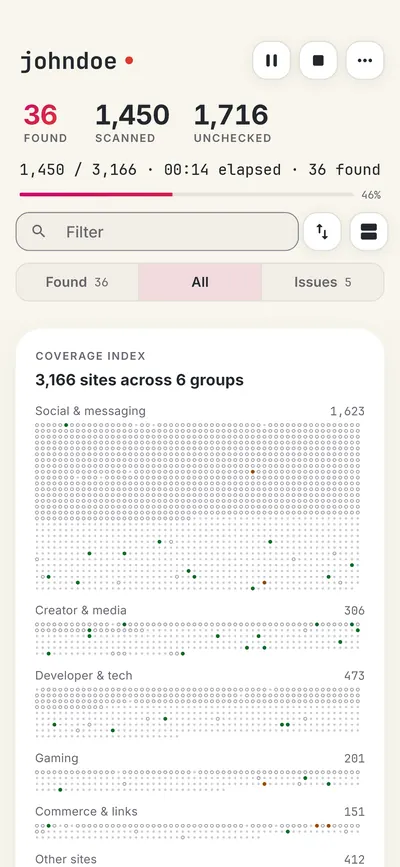
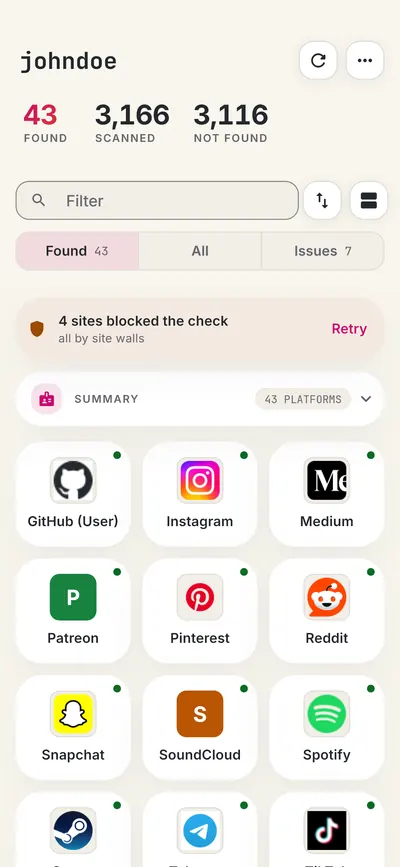
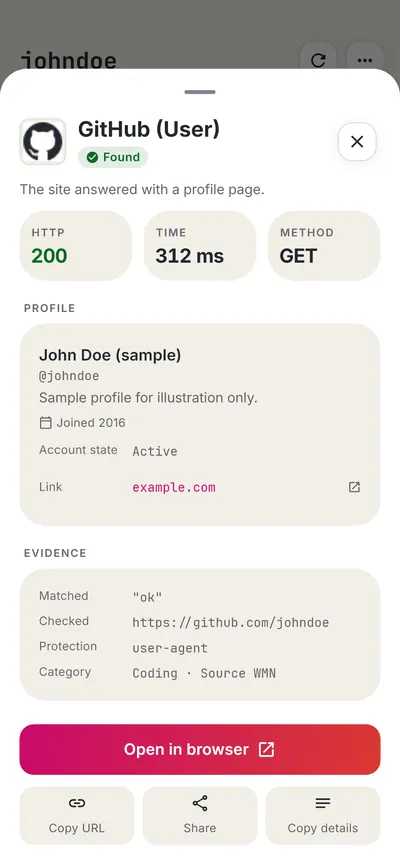
Check all 3,165+ sites at once with the full username search, or get the Android app to run the same search from your phone.
 WhatsMyName: Username SearchSponsored
More username checkers
- Twitch Username Checker
- YouTube Handle Checker
- TikTok Username Checker
- Discord Username Checker
- X (Twitter) Username Checker
- SoundCloud Username Checker
- All platform checkers · All 3,165+ supported sites · Search every site at once
Not affiliated with Kick. WhatsMyName Apps is an independent tool, not endorsed by Kick, the WhatsMyName project, Sherlock or Maigret. Results are leads to verify.