Game Jolt Username Checker
By WhatsMyName Apps · Reviewed · Editorial policy
On Game Jolt, your username is your @name and your profile address. Your display name sits next to it and can be anything. Enter a username below for a Game Jolt username search, then read Game Jolt's help docs.
Game Jolt username rules
| Allowed characters | Any combination of letters, numbers, hyphens (-) and underscores (_). |
|---|---|
| Length | Not published in Game Jolt's help docs. |
| Visibility | Usernames are always public. |
| Display names | Separate from the username, and can contain spaces and special characters. |
| Changing it | Allowed from Edit Profile. Your public profile URL changes too, and old links stop working. |
Sources: Game Jolt Help: create an account, Game Jolt Help: customize your profile. Last reviewed 2026-10-18. Platforms change their rules; the linked help pages are the final word.
How to check a Game Jolt username
- Type the username without the @. Spaces and symbols other than hyphens and underscores cannot be part of one.
- We ask Game Jolt's public profile API for @<name>. A user record means the name is taken, and a 404 means no account has it.
- For a taken name, the result links to gamejolt.com/@<name>.
- The final test is the Username field in Edit Profile, which only saves a free name.
Game Jolt username taken? What you can do
- Join words with a hyphen or underscore: jane-games, jane_dev.
- Keep the name you like as your display name, which can have spaces and does not need to be unique.
- Game Jolt does not publish a way to claim an inactive username, so pick a variation.
- Add a word about what you post: janeart, janeplays.
How to change your Game Jolt username
- Click your profile icon and choose Profile.
- Click Edit Profile (or go to gamejolt.com/dashboard/profile/edit).
- Change the Username field and save.
- Update links you shared, because links to your old profile URL stop working.
Reserved and restricted names
Game Jolt's help docs do not publish a list of reserved usernames or a policy for names from inactive accounts.
Tips
- Your username is always public, so leave personal details out of it.
- A rename breaks old profile links, so update your game pages and social bios right away.
- Check the same name on itch.io and Newgrounds if you post games in several places.
Frequently asked questions
What characters can a Game Jolt username use?
Any mix of letters, numbers, hyphens and underscores. Display names can also use spaces and special characters.
Can I change my Game Jolt username?
Yes, from Edit Profile. Your profile URL changes with it, so links to the old one stop working.
What is the difference between a username and a display name on Game Jolt?
The username is your unique @name and profile address, and it is always public. The display name is shown alongside it and can contain spaces and special characters.
How do I search for someone on Game Jolt by username?
Open gamejolt.com/@username, or type the name here and we ask Game Jolt's public profile API. Search by the username, not the display name, since display names can repeat. Game Jolt also has its own search.
Also check on other top platforms
Each platform has its own checker page with its own rules. Pick one to test the same name there.
 Instagram
 TikTok
 X (Twitter)
 YouTube
 Facebook
 Snapchat
 Reddit
 Pinterest
 LinkedIn
 Threads
 Telegram
 Discord
 Twitch
 GitHub
 Spotify
 SoundCloud
 Steam
Steam Medium
 Tumblr
 Bluesky
Check all 3,165+ sites at once with the full username search, or get the Android app to run the same search from your phone.
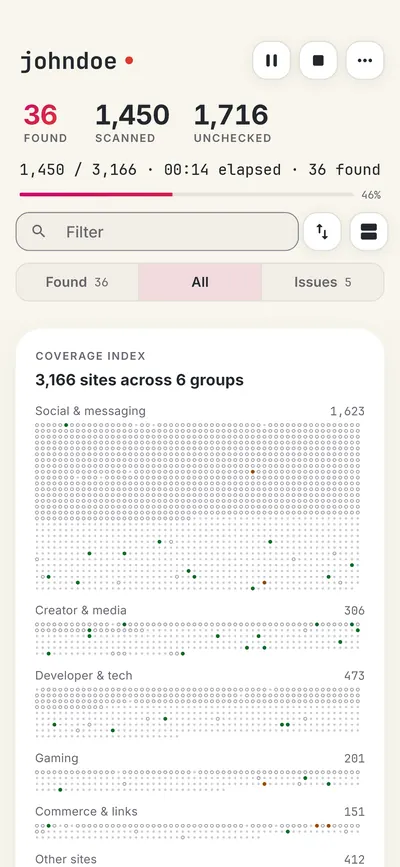
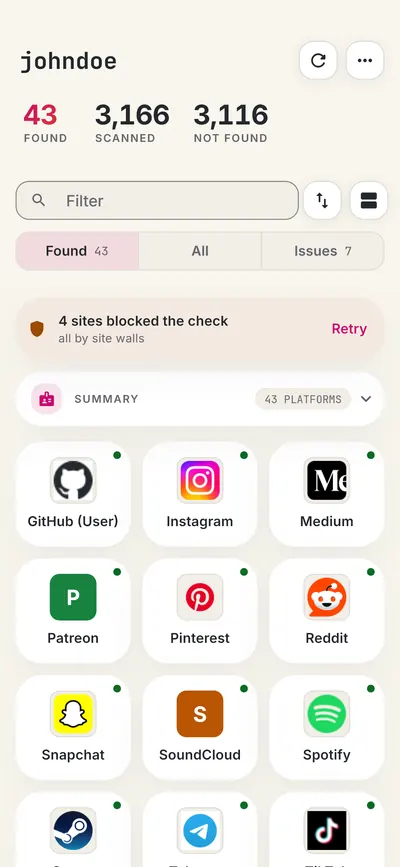
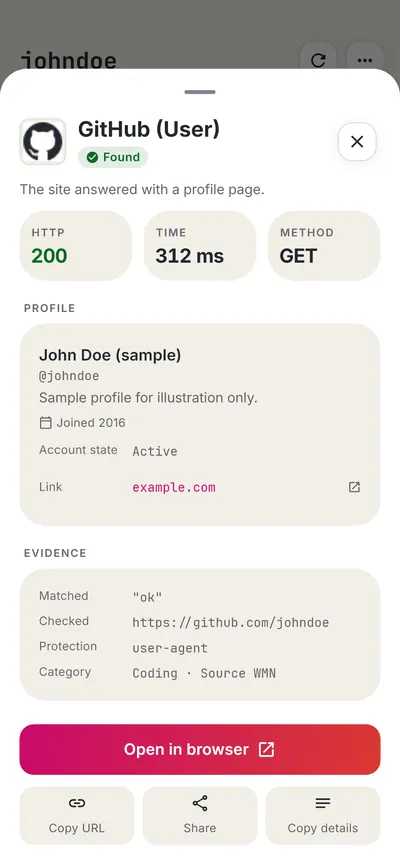
 WhatsMyName: Username SearchSponsored
More gaming username checkers
- itch.io Username Checker
- Newgrounds Username Checker
- Roblox Username Checker
- Steam Username Checker
- Twitch Username Checker
- Xbox Gamertag Checker
- All 16 gaming checkers
- All platform checkers · All 3,165+ supported sites · Search every site at once
Not affiliated with Game Jolt. WhatsMyName Apps is an independent tool, not endorsed by Game Jolt, the WhatsMyName project, Sherlock or Maigret. Results are leads to verify.