GOG Username Checker
By WhatsMyName Apps · Reviewed · Editorial policy
Your GOG username is the name friends see in GOG GALAXY and on your profile, gog.com/u/name. Enter one below for a GOG username search, then compare it with GOG's rules.
GOG username rules
| Length | Up to 18 characters. GOG does not publish a minimum. |
|---|---|
| Allowed characters | Letters, numbers, dots (.), dashes (-) and underscores (_). |
| Change frequency | Once per month. |
| Where to change it | The ACCOUNT & LOCALE section in GOG GALAXY or in your browser account settings. |
Sources: GOG Support: how do I change my username. Last reviewed 2026-10-18. Platforms change their rules; the linked help pages are the final word.
How to search for someone on GOG by username
Open gog.com/u/name to see a player's public profile. To add them as a friend, use their GOG username in GOG GALAXY.
GOG profiles can be hidden, so a missing profile does not prove the account does not exist. This page does not look up real names.
How to check a GOG username
- Type the username. Anything over 18 characters or with symbols other than dots, dashes and underscores cannot exist.
- We load gog.com/u/<name> and look for the profile data GOG puts in real profile pages. A 404 answer means no visible profile uses the name.
- GOG profiles can be hidden, so a missing profile does not prove the name is free.
- The final test is the CHANGE button in your account settings, which only accepts a free name.
GOG username taken? What you can do
- Use a dot, dash or underscore between words: jane.doe, jane-doe, jane_doe.
- Add a short number or a gaming word: jane1999, janeplays.
- GOG does not publish a way to claim an unused username, so pick a variation.
- Remember you can only change once a month, so do not settle on a placeholder.
How to change your GOG username
- Open GOG GALAXY or go to gog.com/account/settings/personal in a browser.
- In the ACCOUNT & LOCALE section, click the CHANGE button next to your avatar.
- Enter the new username and save.
- You can change it again after a month.
Reserved and restricted names
GOG's help page does not publish a list of reserved usernames or a policy for names from inactive accounts.
Tips
- Match your GOG name to your Steam or Epic name so friends can add you in GOG GALAXY.
- Dots and dashes are allowed, but they are easy to forget when a friend types your name.
- Plan a rename: you have to wait a month before the next one.
Frequently asked questions
How long can a GOG username be?
Up to 18 characters, using letters, numbers, dots, dashes and underscores.
How often can I change my GOG username?
Once per month, from the ACCOUNT & LOCALE section in GOG GALAXY or your account settings.
Where is my GOG profile?
At gog.com/u/ followed by your username, if your profile is visible.
Can I use spaces in a GOG username?
No. GOG only allows letters, numbers, dots, dashes and underscores.
Also check on other top platforms
Each platform has its own checker page with its own rules. Pick one to test the same name there.
 Instagram
 TikTok
 X (Twitter)
 YouTube
 Facebook
 Snapchat
 Reddit
 Pinterest
 LinkedIn
 Threads
 Telegram
 Discord
 Twitch
 GitHub
 Spotify
 SoundCloud
 Steam
Steam Medium
 Tumblr
 Bluesky
Check all 3,165+ sites at once with the full username search, or get the Android app to run the same search from your phone.
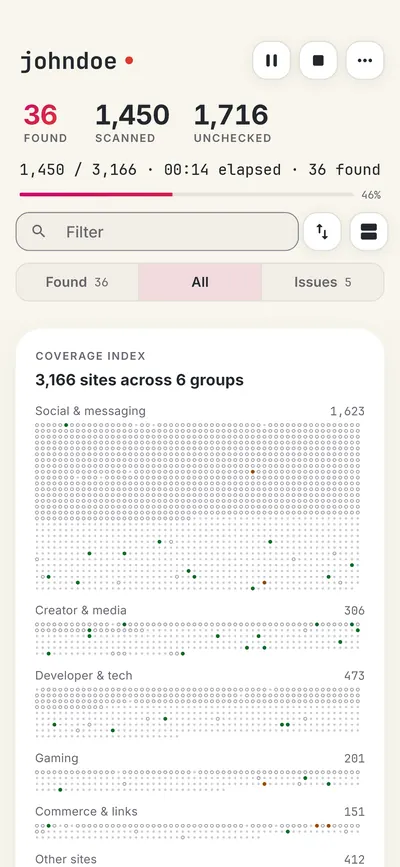
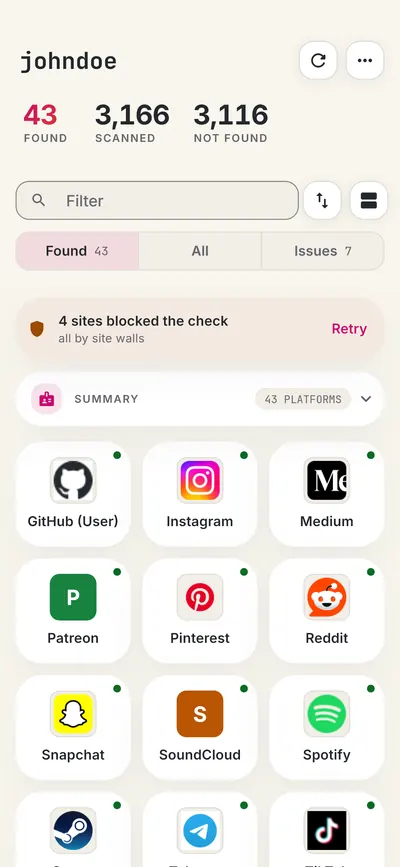
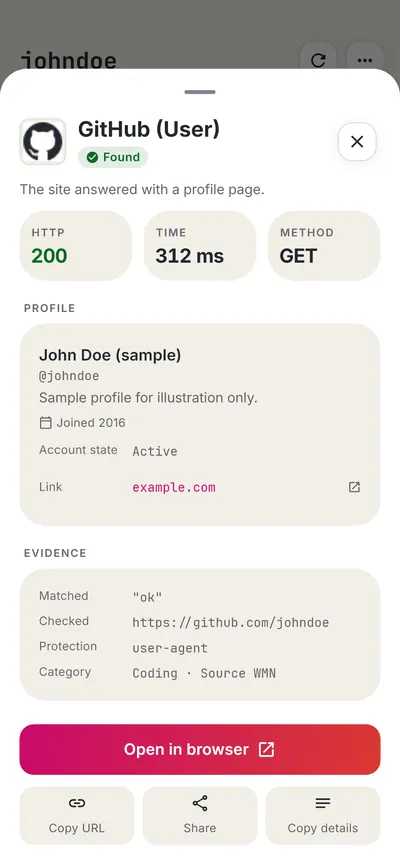
 WhatsMyName: Username SearchSponsored
More gaming username checkers
- Steam Username Checker
- Xbox Gamertag Checker
- PlayStation Online ID Checker
- itch.io Username Checker
- Minecraft Username Checker
- Roblox Username Checker
- All 16 gaming checkers
- All platform checkers · All 3,165+ supported sites · Search every site at once
Not affiliated with GOG. WhatsMyName Apps is an independent tool, not endorsed by GOG, the WhatsMyName project, Sherlock or Maigret. Results are leads to verify.