Weibo Username Checker
By WhatsMyName Apps · Reviewed · Editorial policy
Every Weibo account has a numeric UID link. You can add a personal domain, weibo.com/name, which works alongside it. The nickname shown on your profile is separate, with its own rules. Type a personal domain below and we give you the link.
Weibo username rules
| Personal domain length | 4 to 20 characters. |
|---|---|
| Personal domain characters | Lowercase English letters, or lowercase letters with numbers. No other characters. |
| Personal domain changes | Once set, it cannot be changed, deleted or hidden. Your numeric UID link keeps working. |
| Nickname format | 4 to 30 characters: Chinese characters, English letters, numbers, underscores and hyphens. One Chinese character counts as 2. |
| Nickname changes | Regular users: once a year, plus 3 free changes in the first 7 days. VIP levels get more, up to a cap of 10 a year. Changes are reviewed. |
| Old nickname | Held for 48 hours after a change. Switching back in that time uses up a change. |
Sources: Weibo Help: personal domain rules, Weibo Help: setting a personal domain, Weibo Help: nickname rules and change limits, Weibo Help: nickname already in use, Weibo Help: searching for a user. Last reviewed 2026-10-18. Platforms change their rules; the linked help pages are the final word.
How to check a Weibo username
- Type the personal domain, the part after weibo.com/. Capitals, dots and underscores cannot be part of one.
- We do not query Weibo. In our October 2026 test Weibo's profile lookup refused every automated request (HTTP 403), real or made up, so the result says "Can't verify" with a link.
- Open weibo.com/<name> in your browser. A profile means the domain is in use. Weibo may ask you to log in first.
- The final test is in Weibo on a computer: Settings, Account Settings, Edit Profile, Personal Domain.
Weibo username taken? What you can do
- Add numbers to the letters, since Weibo allows lowercase letters with numbers: mia2026, miabj.
- Think before you set it. A personal domain cannot be changed, deleted or hidden later.
- For nicknames, Weibo says a name can be held by a frozen account that does not show up in search, or protected by the system.
- If an account impersonates you, report it to Weibo customer service.
How to change your Weibo username
- Personal domain (computer only): Weibo home, Settings, Account Settings, Edit Profile, Personal Domain. You can set it once.
- Nickname in the app: Me, tap your avatar, the small arrow under your nickname, then view and edit basic info.
- Nickname on a computer: Settings, Account Settings, Edit Profile.
- Nickname changes go through review, which can take up to 5 working days. If the change is rejected, your old nickname stays.
Reserved and restricted names
Weibo does not publish a reserved list. Some nicknames are protected by the system or not yet released, names that may break Weibo's community rules go to manual review, and every nickname change on a verified Orange V or Blue V account is reviewed by staff.
Tips
- After a nickname change, Weibo search can take several days to show the new name.
- Searching the full nickname works best when you look for someone in Weibo's search box.
- The 10-digit UID in a profile link identifies an account even if the nickname changes.
Frequently asked questions
How do I search for someone on Weibo?
Type their nickname in the search box in the app's Discover tab and press search. Weibo suggests using the full nickname. If you know their personal domain, open weibo.com/name.
Can I change my Weibo personal domain?
No. Weibo says a personal domain cannot be changed, deleted or hidden once it is set.
How often can I change my Weibo nickname?
Regular users get one change per calendar year, plus 3 free changes in the first 7 days after signing up. Members get more, up to 10 a year.
Why does the checker say it can't verify Weibo?
Weibo refused every automated request in our October 2026 test, so we only build the link. Open it in your browser.
Also check on other top platforms
Each platform has its own checker page with its own rules. Pick one to test the same name there.
 Instagram
 TikTok
 X (Twitter)
 YouTube
 Facebook
 Snapchat
 Reddit
 Pinterest
 LinkedIn
 Threads
 Telegram
 Discord
 Twitch
 GitHub
 Spotify
 SoundCloud
 Steam
Steam Medium
 Tumblr
 Bluesky
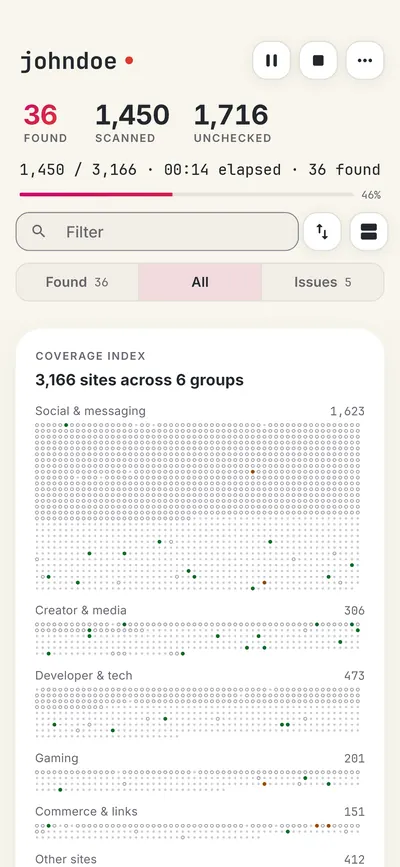
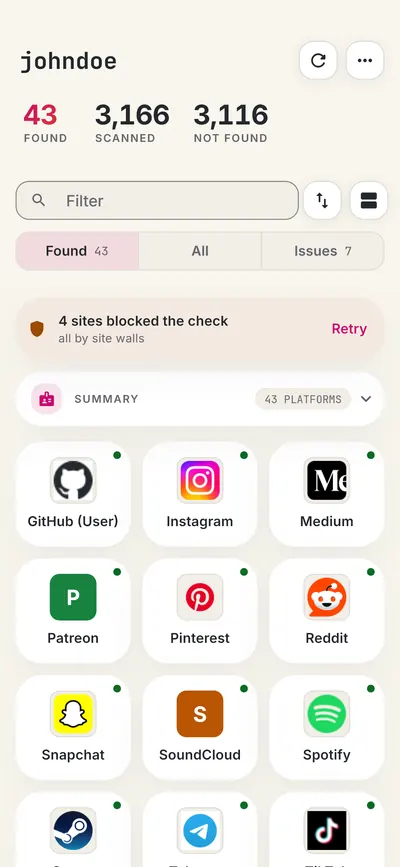
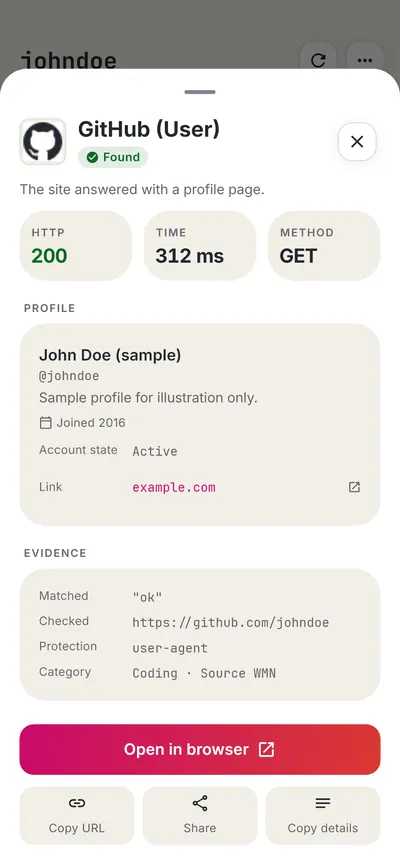
Check all 3,165+ sites at once with the full username search, or get the Android app to run the same search from your phone.
 WhatsMyName: Username SearchSponsored
More social media username checkers
- VK Username Checker
- Telegram Username Checker
- X (Twitter) Username Checker
- TikTok Username Checker
- Instagram Username Checker
- Lemon8 Username Checker
- All 22 social media checkers
- All platform checkers · All 3,165+ supported sites · Search every site at once
Not affiliated with Weibo. WhatsMyName Apps is an independent tool, not endorsed by Weibo, the WhatsMyName project, Sherlock or Maigret. Results are leads to verify.